Payment reconciliation for crypto merchants
How to reconcile crypto payments with your orders and balance: what to log, the daily checks, how to find missed webhooks and short payments, and how to account for fees and withdrawals.
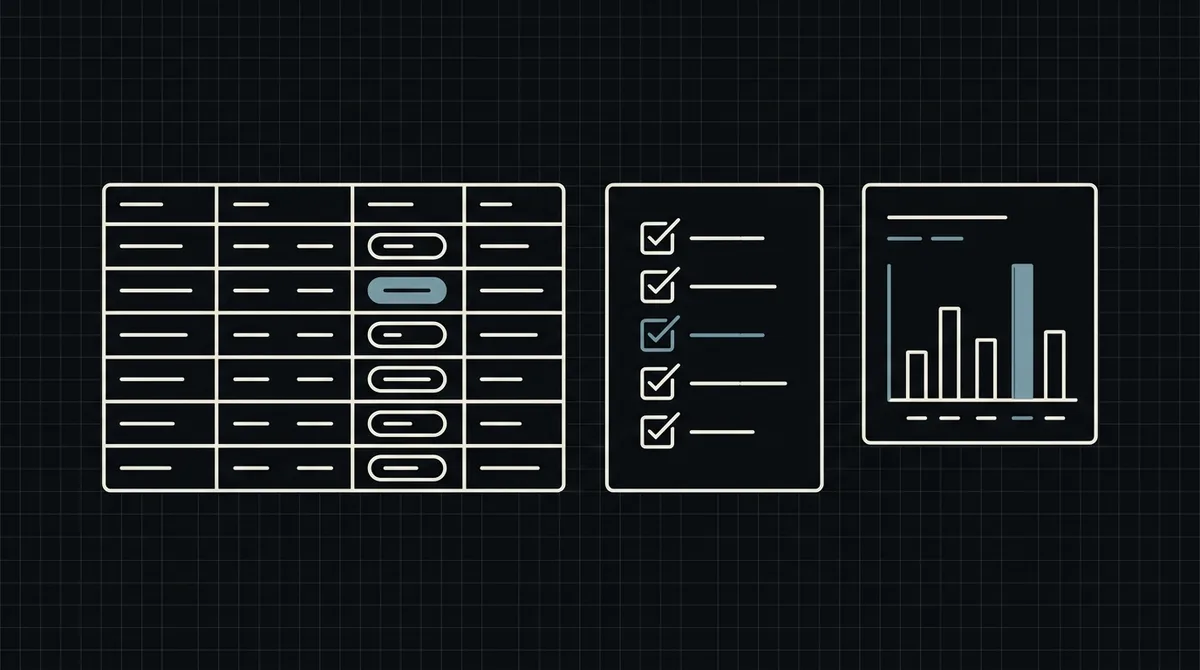
Reconciliation answers one question: does every order you consider paid match a payment that really arrived, and does every payment that arrived match an order? With crypto it is not hard, because every payment carries your own order number, but it only works if you log the right things and check on a schedule. This guide shows what to record, which checks to run and how to explain the differences you find.
What you are reconciling
Three sets of records must agree:
- Your orders: what you sold, in US dollars, and which of them you consider paid.
- Your webhook log: the notifications that Qvard sent you, and what you did with each.
- The Qvard cabinet: the payments and the balance as the gateway sees them.
The public API has no route to list or read payments, so you cannot pull the gateway's side into a script. You reconcile your orders and your own webhook log with each other, and then compare the totals with what the cabinet shows.
What to record so that reconciliation is possible
Reconciliation is easy if the data is there and painful if it is not.
- Use your own order number as the payment id. It goes to Qvard when you create the payment and comes back in the webhook, so it is the key that joins everything.
- Log every webhook, with the
id, thestatus, the time and your decision: applied, repeat, unknown order or rejected key. Never log your secret key. - Store the order value in dollars at the time of the order, and the time you marked it paid.
- Keep the Qvard payment id from the response if you want it for support.
Mark an order paid only from the webhook, which Qvard sends when a payment is completed, and make the handler idempotent. Details in how to secure crypto payment webhooks.
The daily checks
Three small queries catch almost everything; the example shows them.
- Unpaid orders past the rate window. The rate on the payment page is fixed for one hour. An order still waiting after that either was abandoned or had its notification missed. Look at those payments in the cabinet.
- Paid orders without a "completed" event. If you marked an order paid but your log has no completed notification for it, something bypassed the webhook, which should never happen. Investigate before you ship more.
- The daily total. Compare the number and the dollar sum of orders you marked paid with the payments the cabinet shows for the same day.
When the cabinet shows a payment as completed and your order is still unpaid, the notification was missed: resend it from the cabinet and let the idempotent handler apply it.
-- Your side: every webhook you receive is logged with your decision.
CREATE TABLE qvard_events (
  id           BIGSERIAL PRIMARY KEY,
  order_id     TEXT        NOT NULL,           -- the id you sent to Qvard
  status       TEXT        NOT NULL,           -- completed, ...
  decision     TEXT        NOT NULL,           -- applied | repeat | unknown_order | rejected_key
  received_at  TIMESTAMPTZ NOT NULL DEFAULT now()
);

-- 1. Orders still unpaid after the rate window: candidates for a missed notification.
SELECT id, amount_usd, created_at
FROM   orders
WHERE  state = 'awaiting_payment'
  AND  created_at < now() - interval '1 hour'
ORDER  BY created_at;

-- 2. Orders you consider paid, with no logged "completed" event: investigate before fulfilling more.
SELECT o.id, o.amount_usd, o.paid_at
FROM   orders o
LEFT   JOIN qvard_events e ON e.order_id = o.id AND e.status = 'completed'
WHERE  o.state = 'paid' AND e.id IS NULL;

-- 3. The daily total to compare with the Qvard cabinet.
SELECT date_trunc('day', paid_at) AS day, count(*) AS orders, sum(amount_usd) AS usd
FROM   orders
WHERE  state = 'paid'
GROUP  BY 1
ORDER  BY 1 DESC;
Explaining the differences you find
Most gaps have a short list of causes.
- A short payment. Less than the full amount arrived, so the payment has the
partialstatus and no completion webhook was sent. The order is not paid; ask for the difference or refund. See how to handle USDT underpayments. - A missed notification. Your server was down for more than the retry window (five attempts over about six minutes), or answered with something other than exactly HTTP 200. See webhook retry strategy for payment systems.
- A duplicate. The same event arrived twice. A correct handler logs it as a repeat and changes nothing.
- An unknown order. A notification with an id you do not have. Check for typos in the id you send and for payments created from another system with the same key.
- A refund. A refund is a transfer you send yourself; record it against the original order so that the totals still explain themselves.
Fees, balances and withdrawals
The dollar value of orders is not the same as money in your wallet.
- Commission. There is no subscription fee; the commission is individual to your project and, per the pricing page, starts at 1% and can go down to 0.1%. Record it as its own line.
- Network fees. The customer pays the network fee of the transfer. You pay only the network fee when you withdraw to your own wallet.
- Withdrawals. Record each one with its date, network and fee. Withdrawal to a bank account in fiat is not available; if you convert to cash, that step happens outside Qvard and has its own records.
- Coin and network. Payments in different networks accumulate separately. Check balances by asset and network, as in network fees in crypto payment operations.
Also keep your accountant informed: how crypto receipts are treated for tax and accounting depends on your country.
FAQ
Can I fetch my payments through the API for reconciliation?
The public API has no route to list or read payments. Reconcile your orders and your own webhook log, and compare the totals with the payments and balance in the Qvard cabinet.
How do I match a payment to an order?
By the id. You send your own order number when you create the payment, and the same id comes back in the webhook.
What if the cabinet shows a completed payment and my order is unpaid?
The notification was missed. Resend it from the cabinet; an idempotent handler applies it safely.
How often should I reconcile?
Daily is a sensible default, plus an alert when a run of webhook requests is answered with an error.