Crypto payments for SaaS
How a SaaS company can take crypto: invoice per period instead of card-on-file, renewal flow, partial payments, accounting in dollars and what not to promise customers.
Subscription software is built around a card on file that is charged automatically. Crypto does not work that way: the customer sends each payment themselves. That sounds like a problem, but plenty of SaaS companies sell to customers who cannot or would rather not pay by card, and the model that works is simple: one invoice per billing period. This guide shows how to build it, what to expect and where it differs from card billing.
Why SaaS companies add crypto
Card payments are the default, so adding crypto needs a reason. The usual ones:
- Customers the card rails fail. Teams in countries where your processor does not operate, or whose cards are declined for cross-border software, can still pay in a dollar stablecoin.
- Annual and larger invoices. A customer who pays a large annual invoice often prefers a transfer to a card, and a stablecoin transfer is final without a bank cut-off.
- No chargebacks. A crypto payment cannot be reversed by the sender, so friendly fraud on a card-not-present subscription is not a concern.
- Privacy-minded and crypto-native buyers. Developer tools, infrastructure and hosting often have users who hold stablecoins and like to pay with them.
Be clear about the limit: crypto adds a payment method for those customers. It does not replace card billing for the rest.
The model: an invoice per period
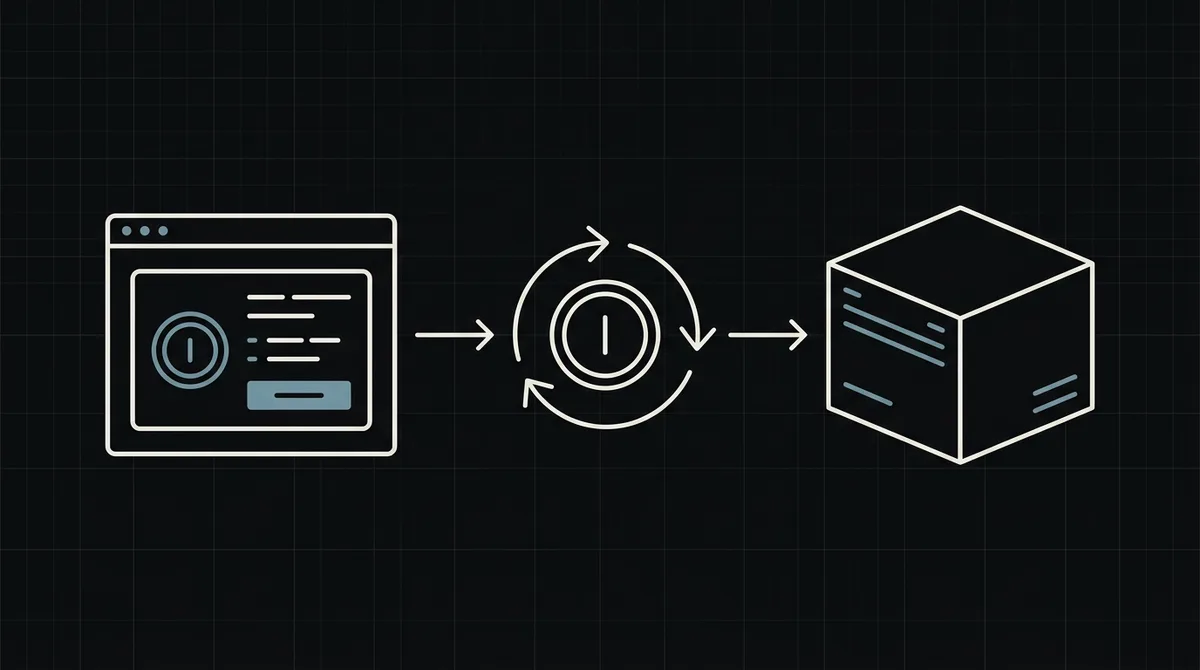
Card billing charges a stored card on a schedule. A crypto payment has to be started by the customer, so the natural model is prepaid invoices:
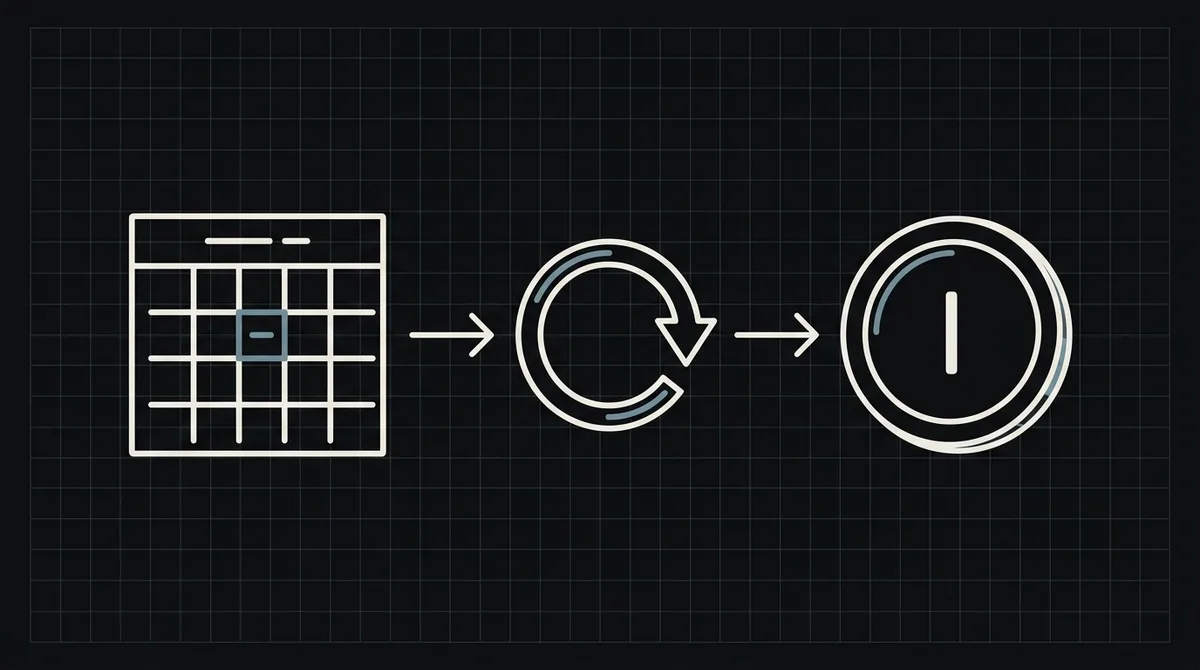
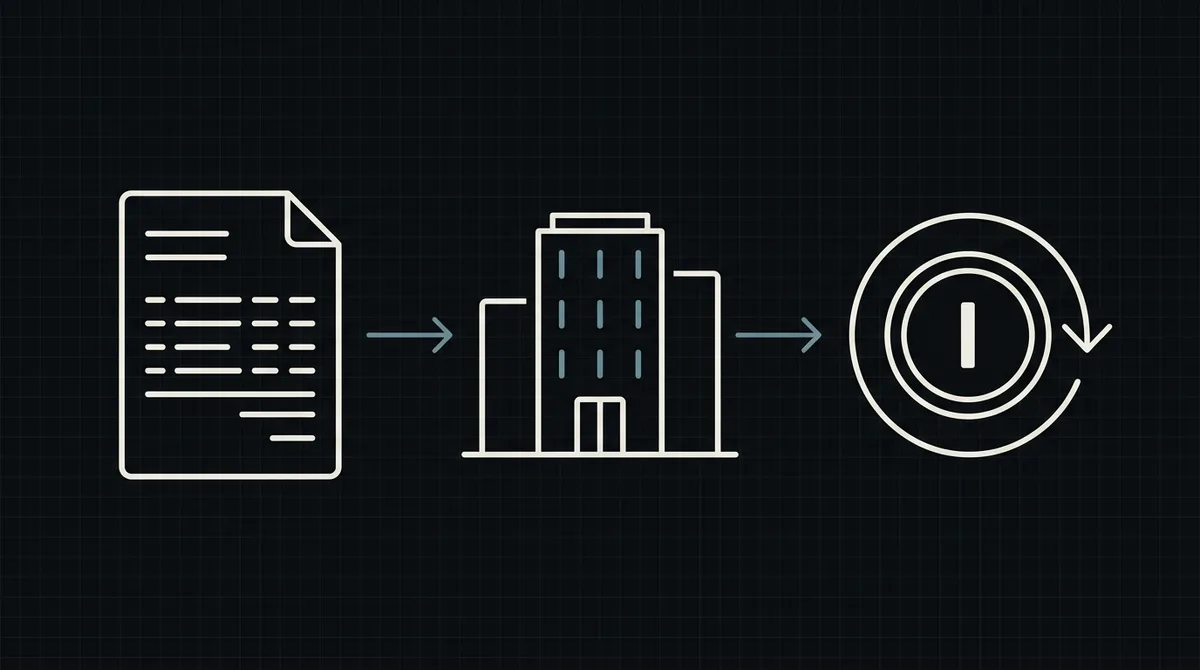
- Shortly before a period ends, your system creates an invoice for the next one.
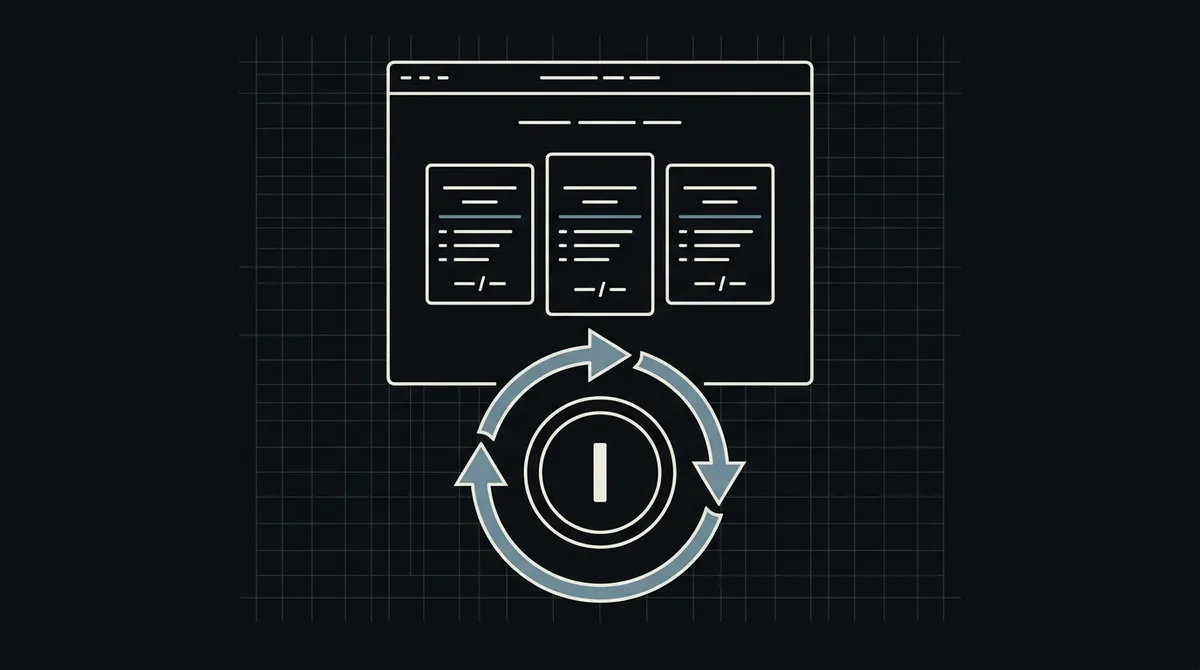
- The customer receives the invoice with a payment link, opens the hosted payment page, picks an asset and a network and pays.
- When the payment completes, your system marks the invoice paid and extends the subscription.
There is no stored payment method and no automatic charge. Qvard does not offer recurring billing or subscriptions as a product; the renewal logic, the reminders and the grace period are yours. For many B2B and developer tools that is fine, and it is how annual plans are usually paid anyway. See crypto invoicing for B2B SaaS for the invoicing side in detail.
Creating the payment for an invoice
For each invoice, create a payment from your backend with one POST to https://api.qvard.com/api/v1/payment. The request carries your key in the Authorization: Bearer header and a JSON body with:
id: your invoice number, as a string. It comes back in the webhook, so use something you can look up.price: the amount in US dollars.paymentSystemId(optional): a payment method from your project, if you want the page to open with an asset and network selected.
The response is 201 with a redirectUrl, the address of the hosted payment page. Put that link in the invoice email and in the customer's billing page. If a request is sent twice with the same id for the same payment method, you get the existing payment back, so a retried job does not create duplicates.
Price your plans in dollars. The customer pays the equivalent in the asset they choose, at a rate fixed for one hour.
The renewal flow, end to end
A renewal needs two small pieces of code, shown below: a job that creates the invoice and payment, and the handler that reacts when it is paid.
A workable timeline:
- Seven days before the end: create the invoice and email the link.
- Three days before and on the last day: send reminders if it is still open.
- After the end: keep the account active for a short grace period you choose, then downgrade or suspend. This is your policy, not a gateway feature.
- When the webhook arrives: mark the invoice paid and extend the subscription from the end of the previous period, not from the payment date, so early payers do not lose days.
The webhook is sent when the payment is completed. Your endpoint must answer exactly HTTP 200 (otherwise it is retried: five attempts over about six minutes) and must be safe to run twice, which the markPaidIfOpen step in the example takes care of. Verify the X-Qvard-Signature header (HMAC-SHA256 with your secret key); see how to secure crypto payment webhooks.
// Called by your billing job a few days before a subscription period ends.
async function createRenewalInvoice(sub) {
  const invoice = await db.invoices.create({ subscriptionId: sub.id, amountUsd: sub.planPriceUsd, status: 'open' });

  const res = await fetch('https://api.qvard.com/api/v1/payment', {
    method: 'POST',
    headers: { Authorization: 'Bearer ' + process.env.QVARD_API_KEY, 'Content-Type': 'application/json' },
    body: JSON.stringify({ id: String(invoice.id), price: invoice.amountUsd })
  });
  const { redirectUrl } = await res.json();

  await mailer.send(sub.email, 'Your renewal invoice', 'Pay here: ' + redirectUrl);
}

// Called from the webhook handler when status is "completed".
async function onPaid(invoiceId) {
  const invoice = await db.invoices.markPaidIfOpen(invoiceId); // null if already paid
  if (invoice) await db.subscriptions.extend(invoice.subscriptionId, '1 month');
}
Partial payments, upgrades and accounting
Real billing has edge cases. Decide these before launch:
- Partial payment. If less than the full amount arrives, the status is
partialand no completion webhook is sent. Keep the invoice open, tell the customer how much is missing and let them send the rest, or cancel and refund. Do not extend the subscription on a partial payment. - Upgrades and downgrades. Proration is your logic. The simplest approach is to issue a new invoice for the difference, or to apply the change from the next period.
- Refunds. A crypto payment cannot be pulled back, so a refund is a transfer you send yourself. Put the rule in your terms.
- Accounting. Book revenue in dollars at the invoice amount, and keep the payment
idnext to the invoice for reconciliation. Check the tax and accounting treatment of crypto receipts with your own advisers.
Keep invoice states few and clear: open, paid, void.
What to tell customers, and what not to promise
Describe crypto honestly on your pricing or billing page:
- you pay each period yourself, with an invoice and a payment link;
- which assets and networks you accept (see the supported coins), and that payment must be made on the network chosen on the payment page;
- that access is extended when the payment is complete, not when the customer says they paid;
- your refund rule in one line.
Do not promise automatic renewal, saved crypto wallets or card-style retries; none of them exists in this model. Promise what works: a clear invoice, a payment page and an extension as soon as the payment completes.
What it costs and what is ready today
There is no subscription fee for the gateway. The commission is individual to your project, and per the pricing page it starts at 1% and can go down to 0.1%. Withdrawing your balance to your own wallet costs only the network fee; withdrawal to a bank account in fiat is not available.
Integration is through the API, which takes a developer; there is no ready-made billing plugin yet, and customers return to your site on their own after paying, so give them a billing page that shows the real invoice status. See the SaaS use case, the developer documentation and a demo invoice.
FAQ
Does Qvard support recurring or automatic subscription billing?
No. A crypto payment is sent by the customer each time. The working model is one invoice per billing period, with the renewal logic, reminders and grace period on your side.
How do I know a customer has paid?
Qvard calls your webhook when the payment completes, with the invoice id you sent and the status. Mark the invoice paid only on the completed status, and make the handler safe to run twice.
What if the customer pays only part of the invoice?
The payment gets the partial status and no completion webhook is sent. Keep the invoice open and ask for the rest, or cancel and refund. Do not extend the subscription.
Can I price my plans in dollars?
Yes. The price is set in US dollars, and the customer pays the equivalent in the asset and network they choose, at a rate fixed for one hour.