Crypto invoicing for B2B SaaS
How to let B2B customers pay SaaS invoices in crypto: when to create the payment, how to reconcile, handle short payments, renewals and refunds.
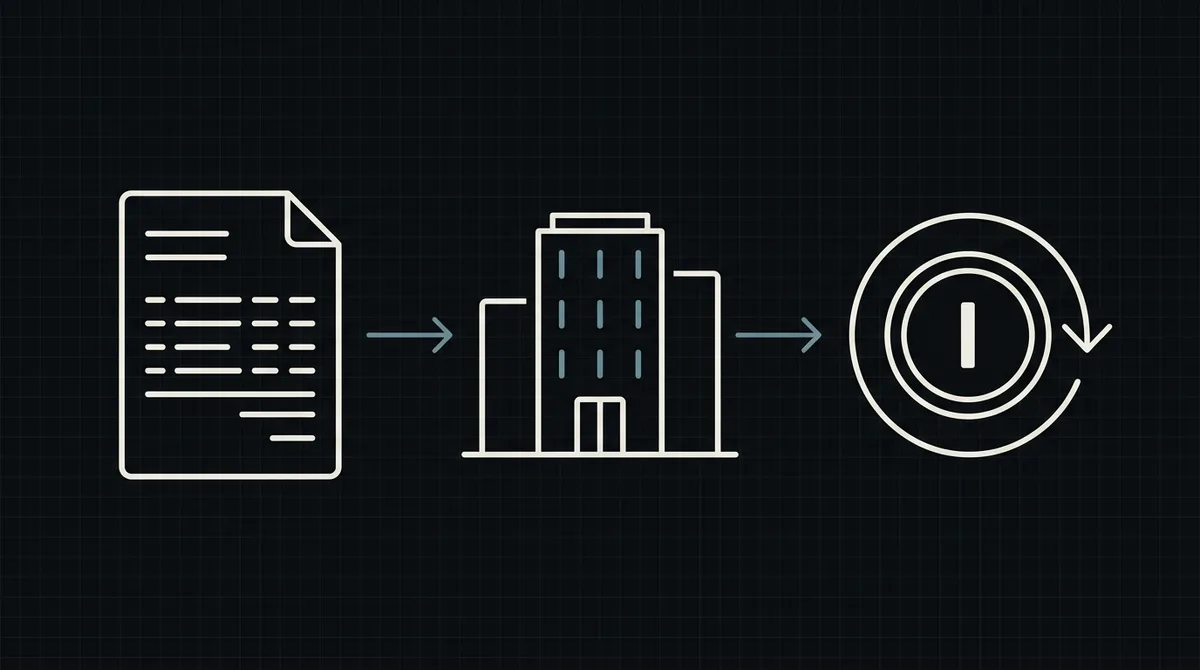
Some B2B customers want to pay your invoices in crypto: international teams, companies with banking friction, crypto-native firms. Supporting them is not hard, but invoices behave differently from a shop checkout, and a few design choices decide whether your finance team enjoys it or hates it. This guide covers those choices.
Why a SaaS company offers crypto invoicing
Crypto is rarely the main way a SaaS company gets paid, and it does not need to be. It is useful as an extra option when:
- customers are in countries where card payments or wire transfers are slow, costly or unreliable;
- the buyer is a crypto-native company that already pays suppliers in stablecoins;
- you want payments that do not depend on banking hours and cannot be charged back.
Keep cards and bank transfers for everyone else. Crypto is one more row in the "how to pay" list on your invoice.
How an invoice differs from a checkout
A shop checkout creates the payment in the moment of purchase. An invoice is issued first and paid days or weeks later, often by a finance team that follows an internal process. That changes a few things:
- The amount is fixed in dollars, not in coins. You quote the invoice in dollars; the payer sends the equivalent in the asset they use.
- The exchange rate cannot be held for weeks. With Qvard the rate is locked for one hour from the moment the payment is created. A rate set when you issued the invoice would be long out of date when it is paid.
- There is a reference. Finance teams need an invoice number on every payment so they can reconcile.
- Payers are people with approval flows. They may pay in parts or after a delay, so you need clear rules for partial payments.
Create the payment when the customer is ready to pay
The key design decision: do not create the crypto payment when you issue the invoice. Create it when the customer chooses to pay.
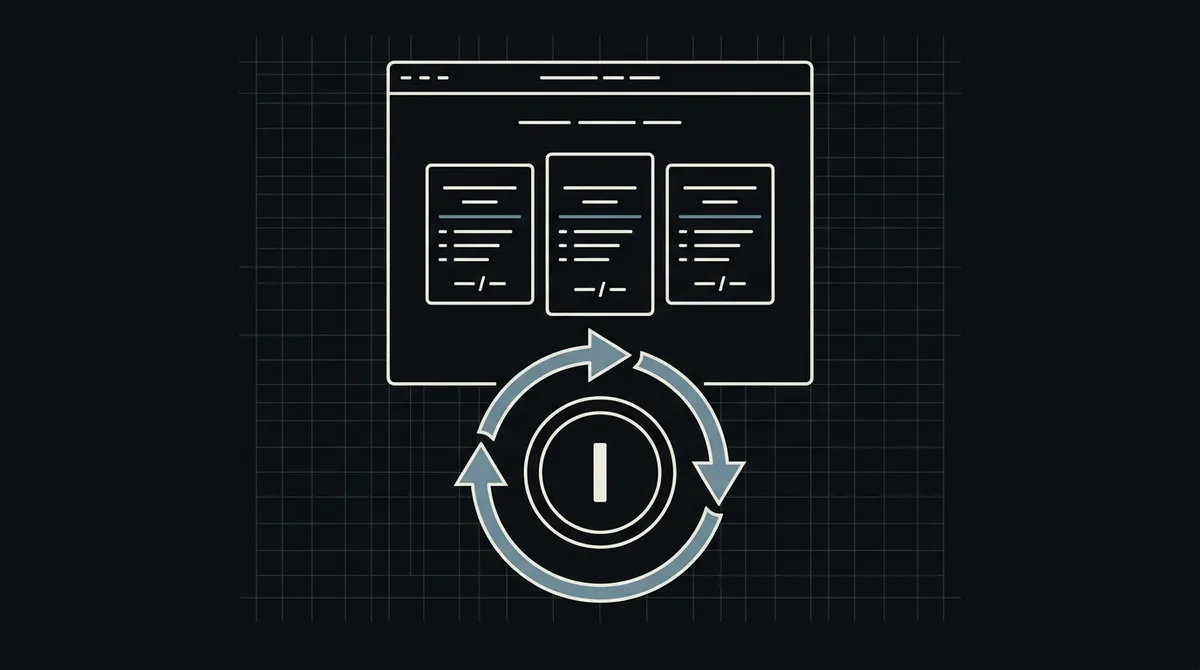
Put a "Pay with crypto" button on the invoice page. When the customer clicks it, your backend creates a payment with the invoice number as the id and the amount due in dollars, then redirects the customer to the payment page. The rate is then fixed for the next hour, which is exactly the window the customer needs to send the transfer.
Using the invoice number as the id has two benefits. If the customer clicks twice, or your request is retried, Qvard returns the existing payment for the same id and payment method instead of creating a duplicate. And the webhook that reports the result carries the same id, so you find the invoice without any lookup table.
// Runs when the customer clicks "Pay with crypto" on invoice INV-2026-0142,
// not when the invoice is issued: the exchange rate is fixed for one hour.
async function payInvoiceWithCrypto(invoice) {
  const res = await fetch('https://api.qvard.com/api/v1/payment', {
    method: 'POST',
    headers: { Authorization: 'Bearer ' + process.env.QVARD_API_KEY, 'Content-Type': 'application/json' },
    body: JSON.stringify({
      id: invoice.number,        // "INV-2026-0142": clicking twice returns the same payment
      price: invoice.amountUsd   // amount due, in US dollars
    })
  });
  if (!res.ok) throw new Error('Qvard ' + res.status);
  return (await res.json()).redirectUrl;   // open this payment page for the customer
}
Reconcile with the webhook
When the payment completes, Qvard sends a webhook to your server with the id (your invoice number) and the status. Your handler marks the invoice paid and records the transaction. Three habits keep this reliable:
- Check the
X-Qvard-Signatureheader that comes with the webhook (HMAC-SHA256 with your secret key) and reject mismatches. - Answer with exactly HTTP 200; otherwise the notification is retried, up to five attempts over roughly six minutes.
- Make the handler idempotent, so a repeated event does not record the payment twice.
The webhook reports the payment, not the invoice, so store the payment id, the date and the status next to the invoice. That gives your accountants one line per payment to match against the bank-style statement they expect. The full handler is in how to accept crypto payments on a website.
Short payments and exchange fees
The most common support ticket in crypto invoicing is the short payment. The payer sends slightly less than required, and the invoice is not paid. Typical reasons:
- the customer paid from an exchange account, and the exchange took its withdrawal fee out of the amount sent;
- the customer rounded the amount;
- the customer sent the transfer in two parts.
A short payment shows up with the status partial. Decide your policy in advance and write it on the invoice: either the invoice stays open until the difference arrives, or you accept payments within a small tolerance. Make the invoice page say what was received and how much is still due, so the customer can top up without writing to support.
A tip you can print on the invoice: if you pay from an exchange, add the withdrawal fee to the amount.
Renewals and subscriptions
With cards, a subscription charges the customer automatically. A crypto payment is different: the customer sends the transfer themselves each time, so a renewal cannot be pulled from their wallet.
The practical pattern is to issue the renewal invoice as usual and send the customer a link to pay it, using the same button and the same payment creation as for a first invoice. Qvard creates one payment for each request you send; recurring billing is handled by your own billing system, which creates a new payment for each period. Remind the customer before the due date and, if you offer a discount for annual plans paid in crypto, make that visible in the invoice.
Refunds and credit notes
A confirmed crypto transfer is final, so a refund is a new transfer from you to the customer. Agree on the address with the customer in writing, since a transfer to a wrong address cannot be recovered. The Qvard API includes a payout call for sending funds from your balance to an address, with your own id so that a retry does not send the money twice; you can also withdraw manually from the cabinet.
Record the refund against the original invoice and issue the usual credit note, so your books show the same story as the blockchain.
Accounting checklist
Ask your accountant about the points that depend on your country, and set up the data they will need:
- invoice number, payment
id, date, amount in dollars and the asset and network used; - how you record the receipt and any conversion to fiat;
- how the network fee paid by the customer is treated;
- how and when you withdraw to your wallet.
This is general information, not tax or legal advice.
Where Qvard fits
Qvard is a custodial crypto payment gateway: you create a payment through the API, the customer pays on a hosted payment page in USDT or USDC on the major networks (or in BTC or LTC), and the final status reaches your server by webhook. Funds are credited to your merchant balance, and you withdraw them to your wallet. For SaaS teams specifically, see crypto payments for SaaS; for the basics, what a crypto payment gateway is.
FAQ
Can I issue invoices in crypto instead of dollars?
You issue the invoice in US dollars and the payer sends the equivalent in the asset they choose. This keeps your pricing stable and your books in one currency.
How long is the exchange rate valid?
With Qvard the rate is fixed for one hour from the moment the payment is created. Create the payment when the customer is ready to pay, not when you issue the invoice.
What happens if the customer pays less than the invoice?
The payment appears with the status partial. You can keep the invoice open until the difference arrives or accept it within a tolerance you define; state the rule on the invoice.
Can I charge a subscription automatically?
No. A crypto payment is sent by the customer, so it cannot be charged to a wallet automatically. Your billing system issues each renewal and sends the customer a payment link.