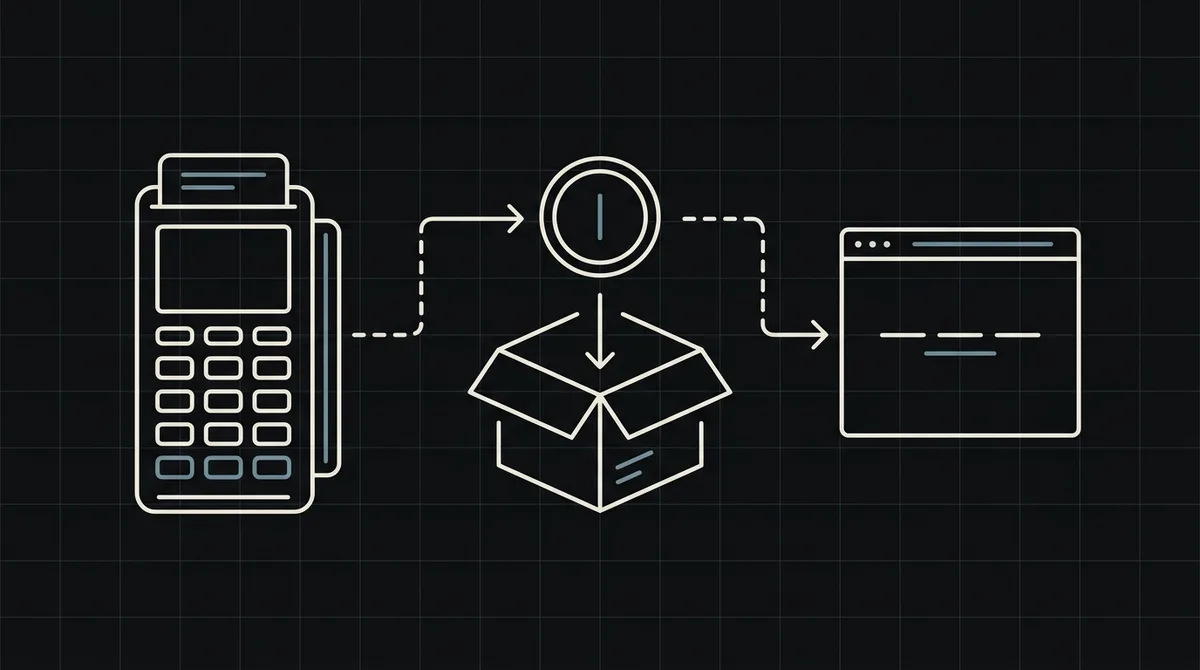
How to accept crypto payments on a website
Step by step: create a payment from your server, send the customer to the payment page, handle the webhook and test it. With working Node.js code.
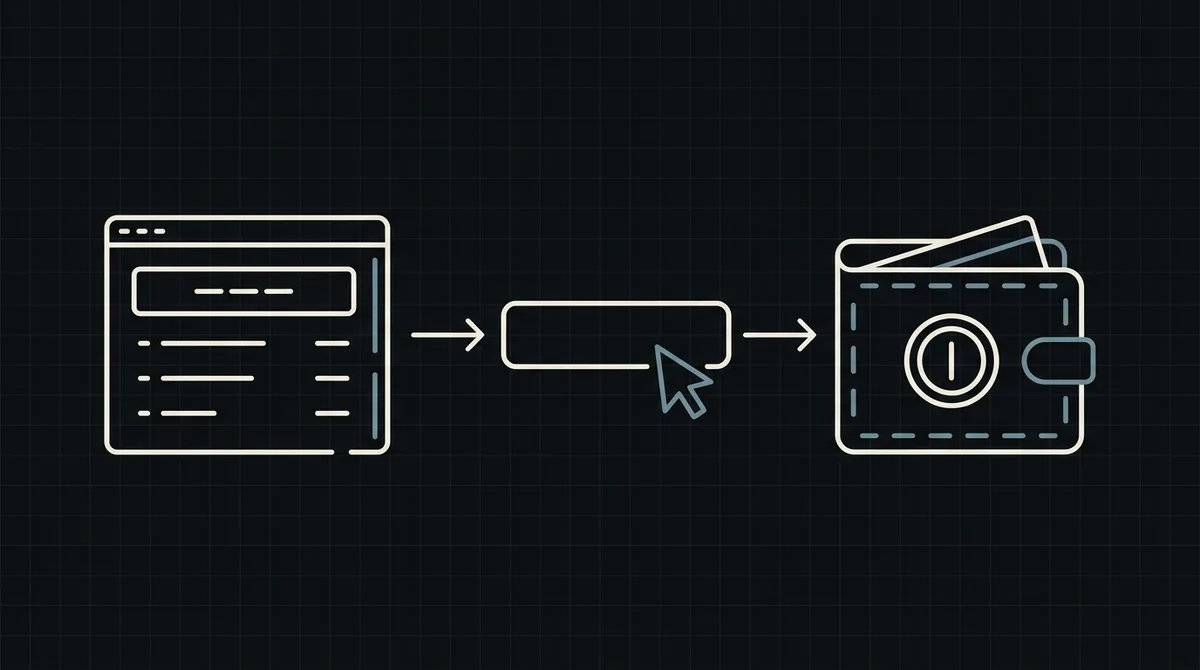
To accept crypto on a website you need two things on your server: a call that creates a payment for an order, and an endpoint that receives the result. This guide walks through both with working code, then covers testing, edge cases and the mistakes that cost merchants money.
What you need before you start
You do not need to run a blockchain node or hold customer wallets. You need:
- a gateway account with a project, an API key and, if you want to fix the payment method yourself, the ID of that method from your project;
- a public HTTPS endpoint on your server for the webhook, saved in the project as the callback URL;
- a place in your order system to store the payment state, matched by your own order number.
Decide one thing early: whether the customer chooses the asset and network on the payment page, or whether you preselect it. Letting the customer choose is simpler and suits most stores. If you pass a payment method, the page opens with it already selected.
How the whole flow fits together
Here is the path of one order, from your checkout to a paid status:
- The customer chooses "Pay with crypto" at checkout and your server creates a payment for that order.
- The gateway returns a link to its hosted payment page.
- You redirect the customer to that page. They pick an asset and a network and send the exact amount from their own wallet.
- The gateway watches the blockchain and, once the payment is final, calls your webhook.
- Your webhook marks the order as paid and starts fulfilment.
Notice what never happens on your side: you do not generate addresses, scan blocks or compare amounts. Your code does two small jobs, creating the payment and reacting to the final status.
Step 1: create the payment from your server
Call the gateway from your backend, never from the browser, because the request carries your secret API key. With Qvard, it is a single POST to https://api.qvard.com/api/v1/payment with your key in the x-api-key header and a JSON body:
id: your own order number, as a string. It is returned to you later in the webhook, so use something you can look up.price: the amount in US dollars. The customer pays the equivalent in the asset they choose.paymentSystemId(optional): the ID of a payment method from your project, to preselect asset and network.
On success the response is 201 with a payment id and a redirectUrl. Sending the same id again for the same payment method returns the existing payment instead of creating a duplicate, so it is safe to retry after a timeout.
If the request is wrong you get 400 with the text Error validation and a message per field; an amount below the minimum for the chosen method is rejected the same way. A missing or wrong key returns 401.
// Called from your checkout handler when the customer chooses "Pay with crypto".
async function createQvardPayment(order) {
  const res = await fetch('https://api.qvard.com/api/v1/payment', {
    method: 'POST',
    headers: {
      'x-api-key': process.env.QVARD_API_KEY,
      'Content-Type': 'application/json'
    },
    body: JSON.stringify({
      id: String(order.id),        // your order number, also used to match the webhook
      price: order.totalUsd        // amount in US dollars
    })
  });

  if (!res.ok) throw new Error('Qvard ' + res.status + ' ' + (await res.text()));

  const { redirectUrl } = await res.json();
  return redirectUrl;              // send the customer to this page
}
Step 2: send the customer to the payment page
Redirect the customer to redirectUrl, which looks like https://my.qvard.com/pay/<payment id>. On that page they choose the asset and network, see the exact amount and the address, and pay from their wallet. The exchange rate is fixed for one hour, so the amount does not change while they pay.
Two things to plan for:
- The return trip. Return URLs after payment are not available yet, so the customer comes back to your site on their own. Give them an order page that shows the current status, and let it update when your webhook arrives.
- Do not treat the return as payment. A customer who is back on your site has not necessarily paid. Only the webhook tells you the money has arrived.
Step 3: receive the webhook
When a payment completes, Qvard sends a POST to the callback URL of your project with a small JSON body: the id you sent and the payment status. The request carries your API key in the x-api-key header. It is an authentication header, not a cryptographic signature, so compare it with your key and reject anything else.
How delivery works matters for your handler:
- Qvard considers the webhook delivered only when your endpoint answers exactly HTTP 200. Any other status or a timeout counts as a failure.
- A failed delivery is retried: five attempts in total, over roughly six minutes.
- Redirects are not followed, so a
3xxanswer is a failure too. - You can also resend a notification for a payment from the cabinet.
Because of the retries, your handler must be idempotent: seeing the same event twice must not ship the order twice. The example below checks the key, finds the order by your id and marks it paid only if it is not paid yet.
import crypto from 'node:crypto';
import express from 'express';

const app = express();

app.post('/webhooks/qvard', express.json(), async (req, res) => {
  // Qvard sends your API key in the x-api-key header: compare it with yours.
  const received = Buffer.from(String(req.get('x-api-key') || ''));
  const expected = Buffer.from(process.env.QVARD_API_KEY);
  const valid = received.length === expected.length && crypto.timingSafeEqual(received, expected);
  if (!valid) return res.sendStatus(401);

  const { id, status } = req.body;          // id is the order number you sent
  const order = await db.orders.findById(id);
  if (!order) return res.sendStatus(200);   // unknown order: nothing to retry

  if (status === 'completed' && order.state !== 'paid') {
    await markOrderPaid(order);             // safe to run twice: the check above skips repeats
  }

  return res.sendStatus(200);               // must be exactly 200, otherwise Qvard retries
});
Handle payments that are not clean
A payment has one of four statuses:
wait: created, waiting for the customer.partial: the customer sent less than required.completed: the full amount arrived; this is the one that triggers the webhook.rejected: the payment was rejected.
Decide in advance what your shop does with each. For partial, the usual choice is to keep the order open and ask the customer to send the remaining amount, or to refund them. Keep the logic simple: mark an order paid only on completed, and show the customer a clear message for every other state.
Test before you go live
A short test plan that catches most problems:
- Open a demo invoice to see the payment page as your customer will.
- Create a payment from your server and check that you receive a
redirectUrl. - Pay a small real amount and confirm that the webhook arrives and the order becomes paid.
- Make your endpoint return an error once, confirm that Qvard retries, and confirm that your handler does not process the order twice.
- Withdraw a small amount from your balance to your wallet so you know the whole path works.
Qvard does not have a separate sandbox yet; a sandbox is on the roadmap, so use small real amounts for steps 3 to 5.
Security checklist
- Keep the API key on the server only. Never put it in front-end code or a public repository.
- Compare the
x-api-keyheader on every webhook and reject mismatches, using a constant-time comparison. - Serve the endpoint over HTTPS and keep it fast; do slow work after you answer.
- Match payments to orders by your own
idand ignore events for orders you do not know. - Log each webhook with its status, so you can resolve disputes later.
More on this topic in how to secure crypto payment webhooks.
What about WooCommerce, Shopify or another platform?
The same two calls apply: your platform's code creates the payment and receives the webhook. Qvard has no ready-made plugin yet, so on a platform such as WooCommerce the integration is a small piece of custom code or a developer's hour, not an install-and-click step. See integrations for where this stands, and the developers page for the API reference. If your goal is the broader picture first, start with what a crypto payment gateway is.
FAQ
Do I need to know blockchain development?
No. You make one HTTP request to create a payment and handle one webhook. Addresses, network monitoring and confirmations are handled by the gateway.
Can I accept crypto without writing any code?
Not yet with Qvard. Payment links and other no-code ways to take a payment are in development; today the integration is through the API, which takes a developer.
What if my server is down when the payment completes?
The notification is retried five times over roughly six minutes. If your server was down longer than that, resend the notification for that payment from the cabinet and reconcile from there.
In which currency do I set the price?
In US dollars. The customer pays the equivalent in the asset and network they choose on the payment page, at a rate fixed for one hour.