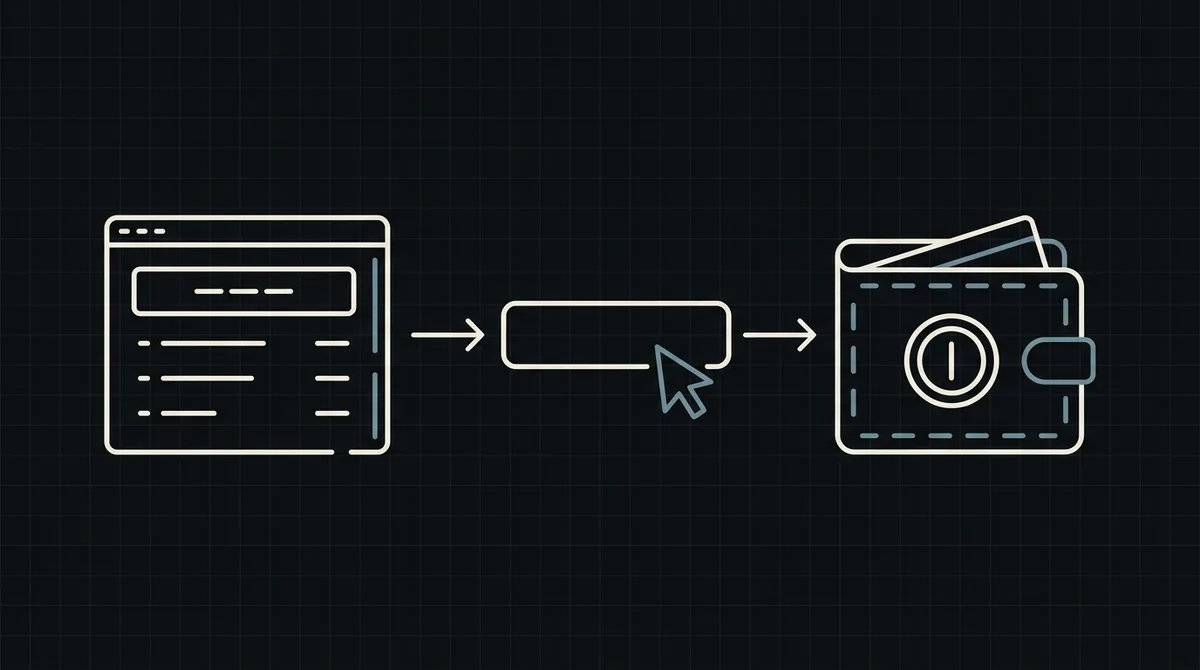
How to add crypto payments to an online store
A step-by-step plan for adding crypto payments to an online store: decisions to make first, the integration steps, how to word the checkout and how to go live safely.
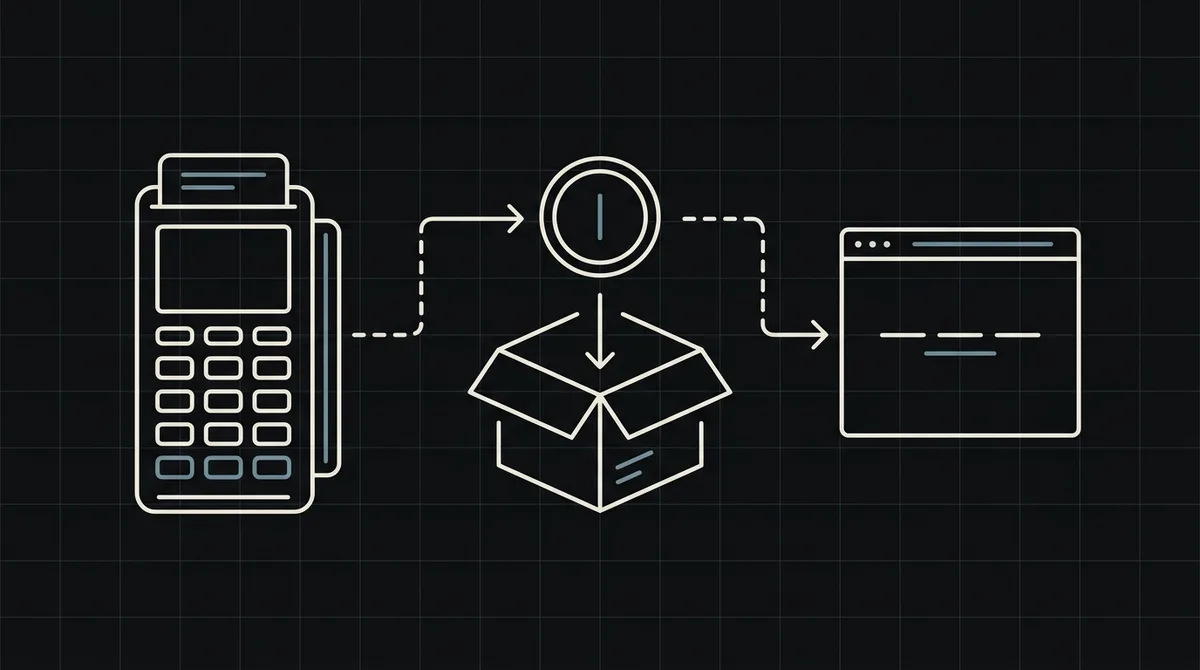
Adding crypto as a payment method is a small project, not a platform change. Your catalogue, cart and order system stay as they are; you add one payment option that creates a payment per order and listens for the result. This is the plan in order, from the decisions to make first to going live, with links to the detailed guides for each step.
Decide first
Four decisions save rework later.
- Which assets and networks. Start small: USDT and USDC cover most customers. Qvard supports USDT, USDC, BTC, LTC, TRX, BNB and ETH, on the TRC20, ERC20, BEP20, Bitcoin and Litecoin networks.
- Price in dollars. Keep your prices as they are. The payment is created in US dollars and the exact crypto amount is shown on the payment page, with the rate fixed for one hour.
- What a paid order triggers. Shipping, a licence key, access to content. Decide what happens at the moment the payment is completed.
- What you do when it goes wrong. Short payments, refunds, a customer who paid on the wrong network. Write the rule down now.
Integration steps
Qvard has no ready-made store plugins yet, so a shop integrates through the API. That is two pieces of server code.
- Create a payment when the customer chooses crypto. A
POSTtohttps://api.qvard.com/api/v1/paymentwith your order number asidand the order total in US dollars asprice, authenticated with your API key. The response contains aredirectUrl; send the customer there. - Receive the result. Save a callback URL in the cabinet. When the payment is completed Qvard sends a POST with your order number and the status. Mark the order paid and trigger fulfilment. Answer exactly HTTP 200.
- Make the handler safe. It may be delivered more than once, so a repeat must change nothing.
The detailed versions: how to accept crypto payments on a website for the generic flow, WordPress and WooCommerce for those platforms, and crypto payment API for developers for the reference.
Map statuses to your order states
A payment has four statuses: wait, partial, completed and rejected. Your order needs matching states, and the webhook arrives only on completed.
- Order created and unpaid maps to
wait. - A short payment maps to
partial: keep the order on hold and ask the customer for the difference. - A paid order maps to
completed: fulfil it. rejected: treat the payment as failed and let the customer retry.
The full mapping, with code, is in crypto payments for e-commerce.
Wording at checkout
Most support tickets about crypto come from unclear wording. At the payment step:
- name the accepted coins and networks;
- say that the amount must be sent in full and on the network shown on the payment page;
- state that the rate is fixed for one hour;
- say how refunds work and where to get help.
Qvard does not yet offer return URLs, so the customer lands on the payment page and you tell them what happens next. A clear order page that updates after the webhook, plus a confirmation email, replaces the redirect.
Test and go live
There is no sandbox yet, so test with small real amounts.
- Pay a small real amount and watch the whole path: payment created, customer paid, webhook received, order marked paid.
- Make the endpoint fail once and confirm the retry (five attempts over about six minutes) does not fulfil twice.
- Withdraw a small amount to your own wallet to check that step. It costs only the network fee.
- Add crypto to the checkout and watch the first orders.
After launch, run a short routine; the list is in merchant operations checklist for crypto payments. Cost: no subscription fee, and the commission, individual to your project, starts at 1% and can go down to 0.1% per the pricing page.
FAQ
Do I need a plugin to add crypto payments to my store?
Qvard has no ready-made plugins yet. A store integrates through the API with two pieces of server code: creating a payment and receiving the webhook.
Do I have to change my prices?
No. Payments are created in US dollars, and the exact crypto amount is shown on the payment page with the rate fixed for one hour.
How do I know an order was paid?
Qvard sends a webhook to your callback URL when the payment is completed. Mark the order paid and fulfil it; answer exactly HTTP 200.
How long does the integration take?
For a developer who knows the shop code it is a small piece of work: one request to create the payment and one endpoint for the result. Testing with small real amounts takes most of the time.