Crypto payment API for developers
A practical reference to the Qvard payment API: authentication, creating a payment, the redirect URL, payment statuses, webhooks, method availability and payouts, with errors and what is not there yet.
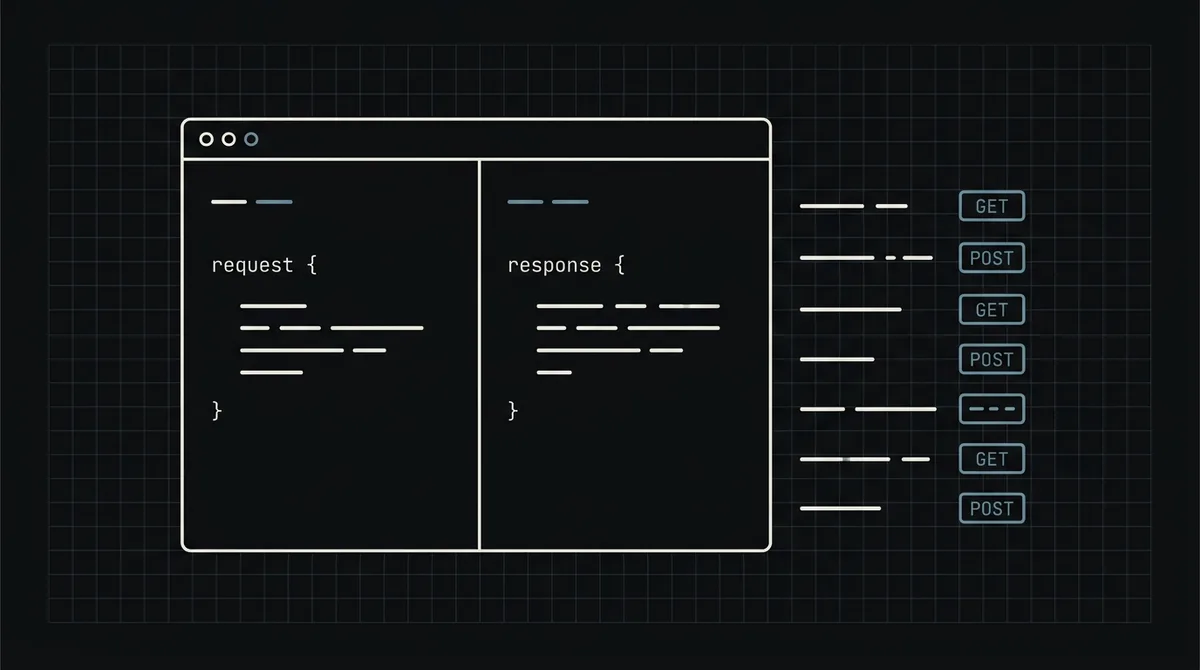
The Qvard API is deliberately small. Three routes cover the whole loop: create a payment, check that a payment method is available, and send a payout. This reference describes each of them as they work today, with the errors you will meet, and is honest about what the API does not have, so you do not build against a feature that is not there.
What the API covers
The public API lives under https://api.qvard.com/api/v1 and has three routes:
POST /payment: create a payment and get the address of the hosted payment page.GET /method/:id/info: check whether a payment method from your project is ready to accept payments.POST /payout: send a payout to a crypto address.
Results arrive by webhook: Qvard calls a URL you saved in your project when a payment completes. There is no route to read a payment back by its id, so the webhook is how you learn the outcome. Everything else, such as the cabinet, balances and settings, is done in the web interface.
Authentication
Every request carries your project's API key in the x-api-key header. There are no tokens to refresh and no OAuth. A missing or unknown key returns 401 with the message error.wrong.api.key.
Treat the key as a password: keep it on the server, in an environment variable or a secrets manager, and never in front-end code or a public repository. The same key is what Qvard sends back to you in the x-api-key header of the webhook, so a leak affects both directions.
Create a payment
POST /api/v1/payment takes a JSON body:
id(string, required): your own identifier for the order or invoice. It comes back in the webhook.price(number, required): the amount in US dollars. The customer pays the equivalent in the asset and network they choose.paymentSystemId(number, optional): a payment method from your project. If you pass it, the payment page opens with that asset and network selected.
The response is 201 with two fields: id, the identifier of the payment on the Qvard side, and redirectUrl, the address of the hosted payment page, of the form https://my.qvard.com/pay/<id>. Redirect the customer there, or put the link in an email.
The call is idempotent per id and payment method: sending the same id again for the same method returns the existing payment instead of creating a second one, so it is safe to retry after a timeout. Note that the status code is 201, not 200.
curl -X POST https://api.qvard.com/api/v1/payment \
  -H "x-api-key: $QVARD_API_KEY" \
  -H "Content-Type: application/json" \
  -d '{ "id": "order-1042", "price": 49.9 }'

# 201 Created
# { "id": "6f1c2d3e-...", "redirectUrl": "https://my.qvard.com/pay/6f1c2d3e-..." }

# 401 { "message": "error.wrong.api.key" }
# 400 { "message": "Error validation", "errors": { "price": "..." } }
Errors
Errors share one shape, a JSON body with a message:
400: the body failed validation. The message isError validationand anerrorsobject maps each field to its first problem, for example a missingidor apricethat is not a number. An amount below the minimum for the chosen method is rejected the same way.401: thex-api-keyheader is missing or unknown (error.wrong.api.key).404: on the method-info route, a method id that does not exist (error.notfound).
Log the full response body when you get a 4xx; the message names the field to fix. Do not retry a 400 or 401 without changing something, but do retry a timeout or a 5xx, which is safe because of the idempotency above.
Payment statuses and the webhook
A payment has one of four statuses: wait (created, not paid), partial (less than the full amount arrived), completed (the full amount arrived) and rejected.
The webhook is sent when the payment is completed: Qvard makes a POST to the callback URL of your project with a small JSON body containing your id and the status, and puts your API key in the x-api-key header. Your endpoint must answer exactly HTTP 200; any other status, a timeout or a redirect counts as a failed delivery and is retried, five attempts in total over roughly six minutes. The header is an authentication header, not a cryptographic signature, so compare it with your key in constant time. Make the handler idempotent, because a delivery can arrive twice.
The details, with code, are in how to secure crypto payment webhooks, and the whole flow is walked through in how to accept crypto payments on a website.
Check that a method is ready
GET /api/v1/method/:id/info takes the numeric id of a payment method from your project and answers 200 with three fields:
server: details about the status of the method.isReady:truewhen the method is ready to accept a payment.isActive:truewhen the method is not offline, even if it is still catching up with the network.
Use it before offering a specific asset and network at your checkout, for example to hide a method that is temporarily unavailable. An unknown id returns 404. It is optional: if you let the customer choose on the payment page, you do not need it.
Payouts
POST /api/v1/payout sends funds from your balance to a crypto address. The JSON body has:
id(string, required): your own payout identifier, used to deduplicate retries, so sending the sameidtwice does not pay twice.price(number, required): the amount in the crypto of the method, not in dollars.methodId(number, required): the payment method from your project.address(string, required): the destination address.comment(string, optional).
A successful call returns 201. Payouts move real money, so test with a small amount, double-check the address and the network of the method, and confirm with Qvard that payouts through the API are enabled for your project. Withdrawal to a bank account in fiat is not available; a payout goes to a crypto address, and costs only the network fee.
What the API does not have yet
To save you from looking for them:
- No endpoint to fetch a payment by id, so rely on the webhook and your own records.
- No webhook signature; the
x-api-keyheader is the authentication. - No sandbox: a separate test environment is on the roadmap, so use small real amounts. A demo invoice shows the payment page without paying.
- No return URLs after payment: the customer comes back to your site on their own.
- No ready-made plugins for store platforms, and payment links are in development.
For formats and examples, see the developer documentation. For commercial terms, the pricing page.
FAQ
In which currency do I set the price?
In US dollars. The customer pays the equivalent in the asset and network they choose on the payment page, at a rate fixed for one hour. A payout is the exception: its amount is in the crypto of the method.
Is creating a payment safe to retry?
Yes. Sending the same id for the same payment method returns the existing payment, so a retry after a timeout does not create a duplicate.
How do I learn the result of a payment?
From the webhook, which is sent when the payment completes. There is no route to read a payment by its id, so store the id you send and match it when the webhook arrives.
Is there a sandbox?
Not yet. A separate test environment is planned. For now use small real amounts, and a demo invoice to see the payment page.