How redirectUrl works in crypto checkout
What the redirectUrl returned by the Qvard API is, what the customer sees on that page, how to use the link in a checkout or an email, and what it does not do for you.
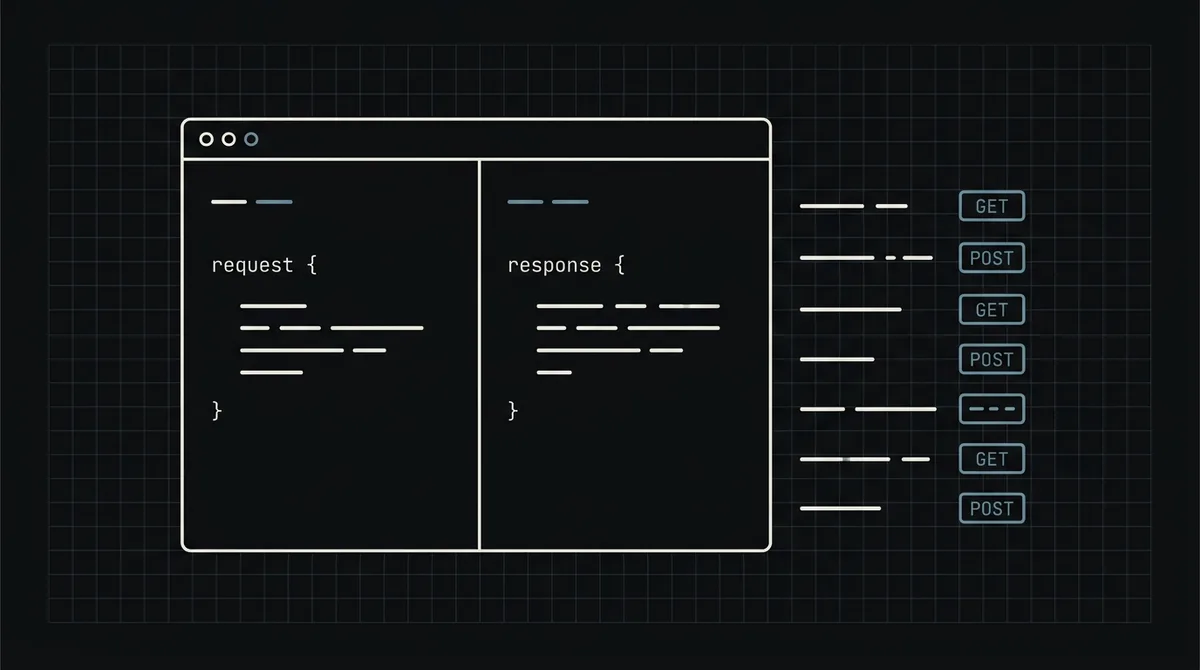
When you create a payment with Qvard, the response contains one field that matters to the customer: redirectUrl, the address of a payment page that Qvard hosts. It is the whole customer-facing side of the integration. This guide explains what the link is, what the customer sees there, how to use it at checkout or in an email, and which jobs it leaves to you.
What redirectUrl is
You create a payment with one POST to https://api.qvard.com/api/v1/payment (the x-api-key header, your order number as id, the amount as price in US dollars). The answer is 201 with two fields: id, the identifier of the payment at Qvard, and redirectUrl, which has the form https://my.qvard.com/pay/<id>.
The address leads to a hosted payment page: a page run by Qvard, not by your server. You do not build it, host it or maintain it. Your job is to get the customer to that address, and to learn the result from the webhook afterwards.
What the customer sees
On the page the customer:
- chooses an asset and a network (or finds the one you preselected with a
paymentSystemId); - sees the address and the exact amount to send, with the network shown next to the address;
- sends the transfer from their own wallet or exchange.
The exchange rate on the page is fixed for one hour, so the amount does not move while the customer pays. The page is the same whatever your shop looks like, which is the point: you get a working crypto checkout without building one. To see it before you integrate, open a demo invoice.
Using the link at checkout
The standard use is a server-side redirect or a button, in three steps:
- The customer chooses "Pay with crypto". Your server creates your own order and the Qvard payment.
- Your server answers with the
redirectUrl, as an HTTP redirect or as a value your front-end uses to navigate. - The browser goes to the page; the customer pays there.
Create the payment after the customer has pressed the button, not when the cart is built. Never send the secret API key to the browser: the browser only ever receives the redirectUrl. A full button example is in crypto payment button for websites.
Using the link outside a checkout
Because the page is hosted at a plain address, the link also works outside a web checkout:
- In an invoice email or PDF, next to bank details, so a business customer can choose to pay in crypto (see stablecoin payments for B2B invoices).
- In a chat or a support message, for a one-off payment you have created by hand through your own tooling.
- Behind a QR code, if your own system renders one from the address.
Treat the link as the way into that one payment. Send it to the customer it belongs to, and do not publish it. Payment links as a separate no-code product are in development; today you create the payment through the API and share the address it returns.
Repeats, retries and what happens after payment
- The same order twice. Sending the same
idfor the same payment method returns the existing payment, so a double click or a retried request gives you the same payment and not a second one. - No return URL yet. After paying, the customer is not sent back to your site automatically; return URLs are not available yet. Give them an order page that shows the real status and refreshes while it waits.
- The result is the webhook. Qvard calls your callback URL when the payment is completed, with your
idand the status. Your endpoint must answer exactly HTTP 200 and be safe to run twice. A customer who is back on your site is not proof of payment. See how to secure crypto payment webhooks.
What the link does not do
So that you do not look for it:
- It does not tell you the payment status; there is no route to read a payment by its
id, so use the webhook and your records. - It does not bring the customer back to your site; return URLs are not available yet.
- It does not replace your order page: you still need one that shows "waiting", "partial" or "paid".
The request and response formats are in crypto payment API for developers, and the whole flow in how to accept crypto payments on a website.
FAQ
What is redirectUrl?
The address of the hosted payment page that Qvard creates for a payment, of the form https://my.qvard.com/pay/<id>. You send the customer there to pay.
Do I have to build a checkout page?
No. The payment page is hosted by Qvard. You only create the payment through the API and redirect the customer to the returned address.
Can I put the link in an email?
Yes. It is a plain address, so it works in an invoice email, a message or behind a QR code. Send it only to the customer it belongs to.
How do I know the customer paid?
From the webhook that Qvard sends when the payment is completed. The link does not report the status, and there are no return URLs yet.