Merchant operations checklist for crypto payments
A practical checklist for running crypto payments day to day: what to check before launch, every day, every week and every month, and what to do when something looks wrong.
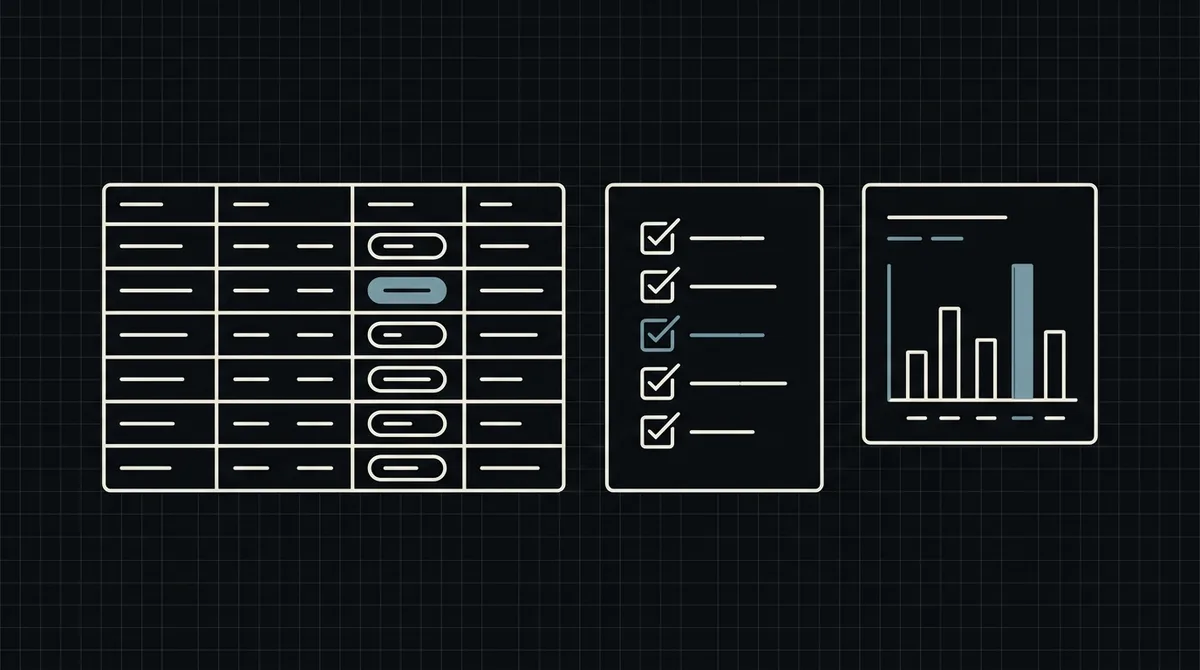
Once crypto payments are live, they need a small routine like any other payment method. Most of it takes minutes, and it is what separates a shop that quietly works from one that discovers a missed notification a month late. This is a checklist, grouped by how often to do each item, with the reason behind every line. The frequencies are suggestions; adjust them to your volume.
Before launch
Do these once, and again after any change to your server.
- The API key is on the server only, in an environment variable or a secrets manager, never in front-end code or a repository.
- The callback URL is saved, public and HTTPS, and reachable from outside your network.
- The webhook handler answers exactly HTTP 200, quickly, and is safe to run twice. Any other status, a timeout or a redirect counts as a failed delivery. See how to secure crypto payment webhooks.
- A test payment works end to end. Pay a small real amount, see the webhook arrive and the order become paid. There is no sandbox yet, so use small real amounts.
- A retry works. Make the endpoint fail once and confirm that Qvard retries (five attempts over about six minutes) without a double fulfilment.
- A withdrawal works. Withdraw a small amount to your own wallet. It costs only the network fee.
- Rules are written: what you do with a short payment, how you refund, and who answers customers.
Every day
A few minutes, ideally at the same time.
- Unpaid orders past the rate window. The rate on the payment page is fixed for one hour. Look at orders still waiting after that: they were abandoned, or a notification was missed.
- Short payments. A payment with the
partialstatus sends no completion webhook. Check such payments in the cabinet, keep the order on hold and contact the customer. See how to handle USDT underpayments. - Errors on the webhook endpoint. A run of failed requests, or of
401answers, means a broken endpoint or a key mismatch. Alert on it instead of finding it at the end of the day. - The daily total. Compare the orders you marked paid with the payments in the cabinet. The public API has no route to list payments, so this is a comparison against your own webhook log. See payment reconciliation for crypto merchants.
Every week
- Missed notifications. If the cabinet shows a completed payment that your order system does not, resend the notification from the cabinet and let the idempotent handler apply it.
- Support patterns. Count the tickets about wrong networks, short payments and "I paid, nothing happened". If one repeats, fix the wording at checkout or on the order page, not each ticket.
- Refunds. Check that every refund you sent is recorded against its original order and that it went to an address and network the customer confirmed.
- Balances by asset and network. Payments in different networks accumulate separately. Look at what sits where before you decide what to withdraw.
- Stock and expiry. If you reserve stock for unpaid orders, confirm that expired orders release it.
Every month
- Reconcile in full. Match the month's orders, webhook log and cabinet payments, and explain every difference. Book revenue in dollars at the order value and record commission and withdrawal fees as separate lines.
- Review the withdrawals. There is no subscription fee; the commission is individual to your project and, per the pricing page, starts at 1% and can go down to 0.1%. A withdrawal costs only the network fee, usually a fixed amount per transfer, so withdraw in sensible sizes rather than many small ones. See network fees in crypto payment operations.
- Rotate and audit access. Check who can see the API key and the cabinet, and replace the key if anyone who had it has left or if you suspect a leak.
- Re-read your customer text. Does the checkout still state the accepted assets and networks, the fee note and the refund rule? Is it still true?
- Check with your accountant. How crypto receipts are taxed and booked depends on your country; review the practice regularly.
When something looks wrong
A short script for the common cases.
- A customer says they paid and the order is unpaid. Look at the payment in the cabinet. If it is completed, resend the notification. If it is
partial, ask for the difference. If it does not exist, ask for the transaction details and the network they used. - The wrong network. The funds do not arrive as expected and need manual handling. Keep a support contact visible on the payment path.
- A paid order was fulfilled twice. The handler is not idempotent. Make the update conditional ("paid only if not paid yet") in one database statement.
- The webhook stopped arriving. Test the endpoint from outside your network, check the answer code in the access log, and look for a firewall, a redirect or a slow handler. See webhook retry strategy for payment systems.
- You are unsure what the API does. The reference is crypto payment API for developers.
Keep this list somewhere your whole team can see it, and write down who owns each line.
FAQ
How often should I check crypto payments?
A few minutes a day for unpaid and short payments and for webhook errors, a weekly look at support patterns and balances, and a full reconciliation each month. Adjust to your volume.
What is the most common operational mistake?
A webhook handler that is not idempotent or does not answer exactly HTTP 200. It causes double fulfilment and endless retries.
Can I fetch my payments through the API for my checks?
The public API has no route to list or read payments. Compare your own webhook log and orders with the payments and balance in the Qvard cabinet.
What does it cost to take money out?
Only the network fee when you withdraw to your own wallet. Withdrawal to a bank account in fiat is not available.