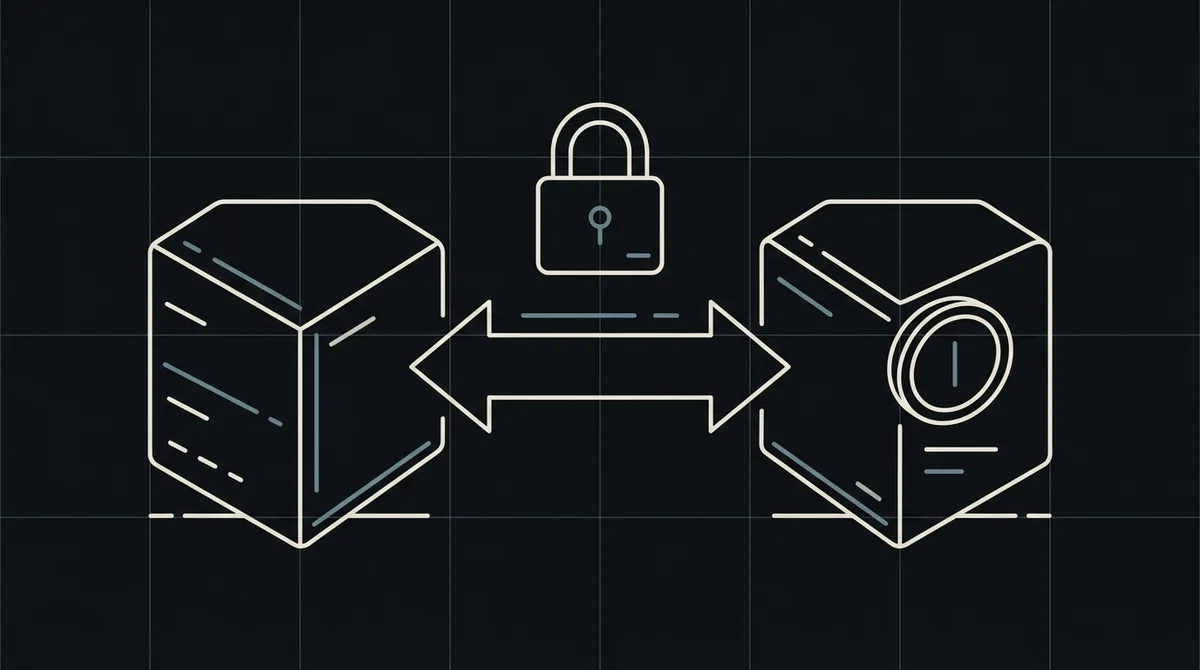
Crypto payment API: server-to-server payments
Crypto payment API guide: create a payment from your server with POST /api/v1/payment, get a redirectUrl and receive the final status by webhook.
A crypto payment API lets your backend create a payment, send the customer to a hosted payment page and learn the final status without building blockchain infrastructure. Qvard exposes this flow as Host-to-Host API v1.
What a crypto payment API does
A crypto payment API turns a checkout event on your server into a payment request. Your backend sends your order id and the amount in your currency (USD by default), and the gateway returns a redirectUrl to the hosted payment page, where the customer picks an asset and network. Addresses, rates and blockchain monitoring stay on the gateway side.
How the Qvard v1 request looks
The call is one POST to /api/v1/payment with the x-api-key header. The id field carries your own transaction id and price carries the amount in the currency named by the optional currency field (ISO-4217, USD by default). paymentSystemId is optional and selects a payment method when you need one. The answer returns the payment id and the redirectUrl.
x-api-key: sk_live_…

{
  "id": "order_1024",
  "price": 12499.00,
  "currency": "INR",
  "paymentSystemId": 12
}
// 201 Created
{
  "data": {
    "id": "8f3k2a1c",
    "redirectUrl": "https://my.qvard.com/pay/8f3k2a1c"
  },
  "code": 201,
  "message": "success",
  "status": true
}Server-to-server, not browser-to-gateway
The request is made from your backend, so the API key never reaches the browser. The customer sees the hosted payment page only after you redirect them there. You also check every order on your side before a payment is created.
The final status comes by webhook
The API answer confirms that a payment was created, not that it was paid. The final status is delivered to your webhook URL as a POST with the id and status fields, so the order logic should act on the webhook.
What to check before going live
Store the payment id next to your order, make the webhook handler safe to run twice and test the whole flow with a demo invoice. Use the same id in every request for an order, so repeated calls can be reconciled.
Fees and networks
The base processing rate is 1% per payment and goes down to 0.1% individually as your volume grows. Network fees are paid separately on the network the customer chooses. The pricing page keeps the current terms.
FAQ
Is a crypto payment API the same as a payment link?
No. A payment link is a shareable page for manual sales. The API creates a payment from your own system and returns a redirectUrl that your code controls.
Do I need to run a blockchain node?
No. Qvard monitors the networks and reports the final status by webhook, so you do not run nodes or scanners yourself.
Which currency is the price in?
The price is in the currency of the currency field, for example INR or EUR, and in USD when the field is omitted. The customer pays in the asset and network they choose on the hosted page.
Can I test before going live?
Yes. Create a demo invoice and see the same hosted payment page your customers will see.