Crypto payment webhook: how to handle id and status
Crypto payment webhook guide: receive the final status as a POST with id and status, check your x-api-key header and update orders safely. With code.
A crypto payment webhook tells your backend the final status of a payment. In Qvard it is a POST with your order id and the status, so your order logic updates without polling the API.
What the webhook sends
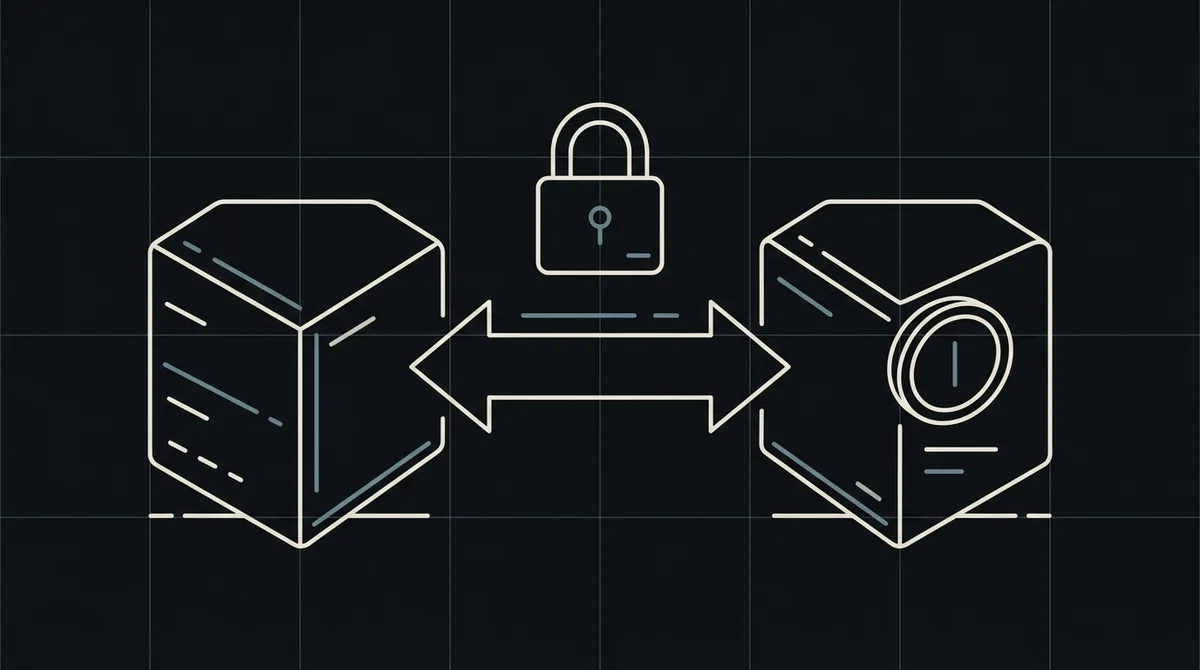
Qvard calls your webhook URL with a POST request. The body contains the id you sent when you created the payment and the status, for example paid. The request carries your x-api-key token in the header.
Check the x-api-key header
Before you trust the message, compare the x-api-key header with the token from your account. Reject requests without it, so that nobody can mark an order as paid by calling your endpoint directly.
x-api-key: sk_live_…

{ "id": "order_1024", "status": "paid" }
Update the order by id
Look up the order by the id from the body and change its state according to the status. Mark an order as paid only when the status is paid, and ignore the statuses your system does not handle.
Make the handler safe to repeat
The same webhook can arrive more than once. Store the id and status you have processed and do nothing when you have already handled that event. Respond with a success code after the change is saved.
Respond quickly, queue slow work
Acknowledge the webhook as soon as the order is saved. Send emails, invoices and warehouse calls from a background job, so that a slow step never causes a timeout.
Test with a demo invoice
Create a demo invoice, pay it on the hosted page and watch your endpoint receive the webhook before you go to production.
FAQ
What is the difference between the API answer and the webhook?
The API answer confirms that a payment was created and returns a redirectUrl. Only the webhook reports the final status of the payment.
What happens if my endpoint is down?
Delivery is retried, so keep your handler safe to repeat. Check your logs regularly and reconcile orders that stayed pending.
Can I trust a webhook without the x-api-key?
No. Always check the x-api-key header before you change an order.
Which statuses should I handle?
Handle paid for successful payments and treat any other status as information. The API documentation lists the full set of values.