Crypto payments for digital goods stores
How a store that sells keys, accounts, downloads and subscriptions can take crypto: the delivery flow, partial payments, repeated webhooks and what to promise customers.
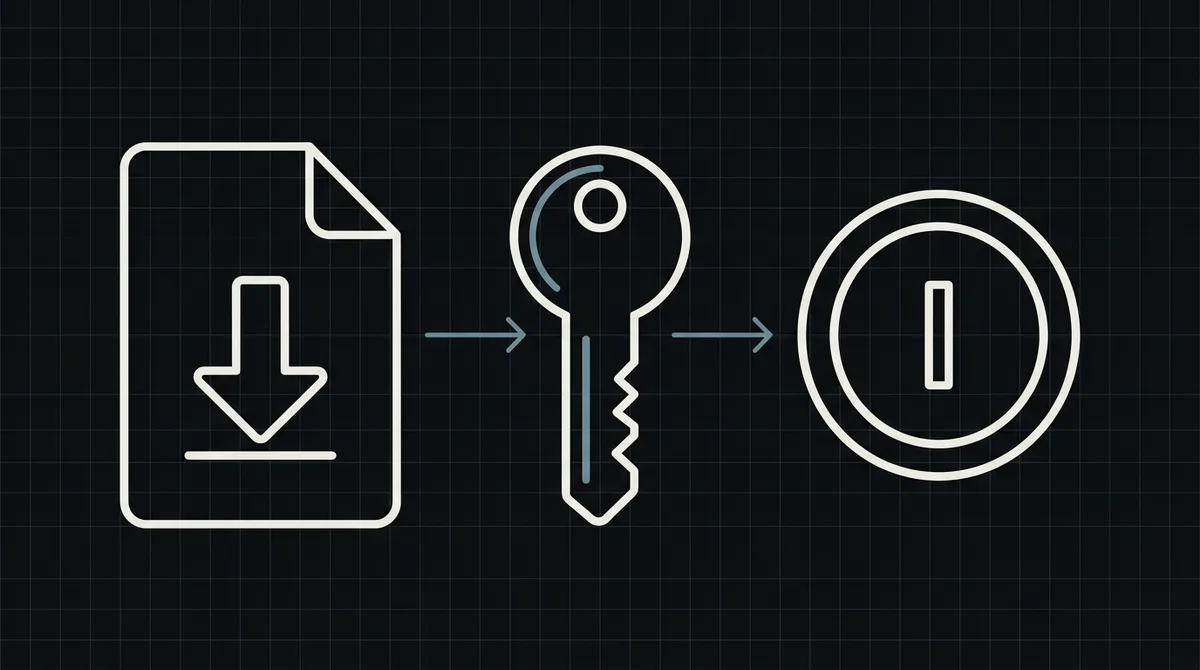
A store that sells licence keys, game accounts, downloads or access has an unusual property: the product is delivered the moment the money arrives, with nobody in the loop. That is exactly why crypto fits it, and exactly why the details of the payment flow matter. This guide covers what changes, how to wire delivery to the payment status, and the mistakes that make digital stores lose stock.
Why digital goods and crypto fit together
Three properties of digital goods line up with how crypto payments work:
- Delivery is instant, so the payment must be too. A customer waiting for a key does not want to wait for a bank to settle. A crypto payment becomes final once the network confirms it, and your system can deliver straight away.
- The audience is already there. Buyers of software keys, gaming items, VPN access, hosting and similar products are often people who hold stablecoins and prefer to pay with them, including customers in countries where cards from your market do not work.
- There are no card chargebacks. A crypto transfer cannot be reversed by the sender. For a store that has been burned by disputed card payments on cheap, instantly delivered items, that is a real change. It also means a refund is a decision you make and send yourself, so write your refund policy before you launch.
Pricing stays simple: you set the price in US dollars and the customer pays the equivalent in the asset and network they choose on the payment page.
The flow from cart to delivered product
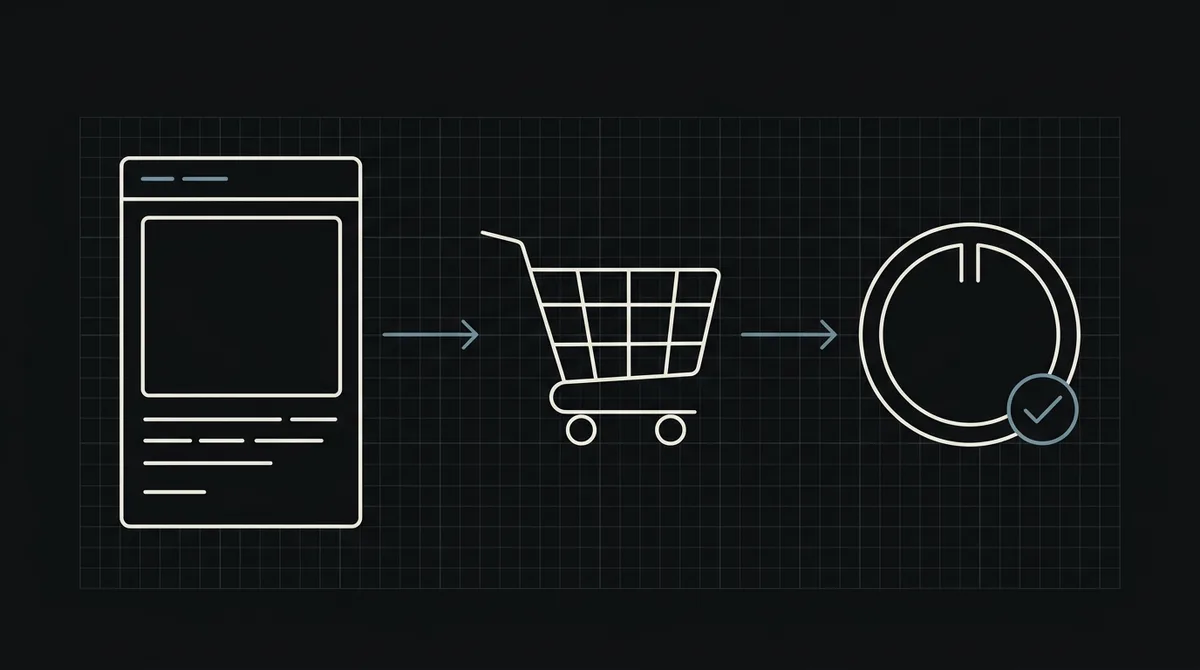
The path of one order looks like this:
- The customer adds a product and enters an email address (or logs in).
- At checkout they choose "Pay with crypto". Your server creates a payment for the order and receives a link to the hosted payment page.
- You redirect the customer to that page. They pick an asset and a network, and pay the exact amount from their own wallet.
- When the payment is complete, the gateway calls your webhook.
- Your server marks the order as paid, takes a key or grants access, and sends it by email and on the order page.
Notice that your store never generates an address, watches a blockchain or compares amounts. It does two things: create a payment and react to the final status. The step-by-step version with code is in how to accept crypto payments on a website.
Create the payment with your own order number
Create the payment from your backend with one POST to https://api.qvard.com/api/v1/payment. The request carries your key in the Authorization: Bearer header and a JSON body with the order number as id, the price in US dollars, and optionally a paymentSystemId if you want the page to open with a specific asset and network selected. The response is 201 with a redirectUrl.
Use an order number that exists in your system before the payment does, and one per purchase. If the request times out and you send it again with the same id for the same payment method, you get the existing payment back instead of a second one, so retries are safe.
Create the payment only after the customer has pressed pay, not when the cart is built. Otherwise your cart abandonment shows up as a pile of unpaid payments.
Deliver only on a complete payment, and only once
This is the rule that protects your stock. A payment has four statuses: wait (created), partial (the customer sent less than required), completed (the full amount arrived) and rejected. Qvard calls your webhook when a payment completes, with the id you sent and the status.
Two requirements follow for your handler:
- Act on completed only. Never hand over a key because the customer came back to your site, and never on a partial amount. The webhook, not the browser, is your proof of payment.
- Be idempotent. The webhook is retried until your endpoint answers exactly HTTP 200 (five attempts over roughly six minutes), and a retry can arrive after the first one succeeded. Hand out the key and mark the order delivered in a single database transaction, and skip orders that are already delivered. Otherwise one payment can cost you two keys.
Check the X-Qvard-Signature header of every webhook: verify the HMAC-SHA256 signature with your secret key in constant time and reject mismatches. More in how to secure crypto payment webhooks.
// Called from the Qvard webhook handler after the X-Qvard-Signature check.
async function onQvardEvent({ id, status }) {
  const order = await db.orders.findById(id);
  if (!order) return;                          // unknown order: ignore

  if (status !== 'completed') return;          // deliver only on a full payment
  if (order.deliveredAt) return;               // the webhook can arrive twice

  // One transaction: take a key and mark the order, so a retry cannot take a second key.
  await db.transaction(async (tx) => {
    const key = await tx.licenseKeys.takeFree(order.productId);
    await tx.orders.update(order.id, { state: 'paid', deliveredAt: new Date(), keyId: key.id });
    await mailer.send(order.email, 'Your purchase', 'Key: ' + key.value);
  });
}Show the customer what is happening
Return URLs after payment are not available yet, so a customer who has paid comes back to your site on their own, often a few seconds before your webhook has been processed. Plan for that moment:
- Give every order a page that shows the current status: awaiting payment, paid and delivered, or a problem.
- Let the page refresh itself while the status is waiting, so the key appears without the customer reloading.
- Send the key by email as well. People close tabs, and the email is the copy they will look for later.
- If the order is not marked paid yet, say so plainly and tell the customer not to pay twice.
Most support tickets in digital stores are "I paid and got nothing". A status page and an email cut them the most.
Underpayment and expired orders
Crypto customers sometimes send slightly less than required, because an exchange withdrawal fee was taken out of the amount, or send after they planned to. Decide what to do before it happens.
- Partial payment. The status is
partial. Do not deliver. The usual choices are to keep the order open and ask the customer to send the remaining amount, or to refund and cancel. Pick one and tell the customer on the order page. - Rate and time. The exchange rate on the payment page is fixed for one hour, so the amount does not move while the customer pays. Hold the stock for the order for at least that long, and release it if the order is never paid.
- Limited stock. If a product has one key left, reserve it when the payment is created and release it on expiry, otherwise two customers can pay for the same key.
Keep the logic small. A store that supports exactly three outcomes (paid, partial, not paid) is easier to run than one with a dozen special cases.
What to tell customers
A clear checkout page converts better than a clever one. Say, near the button:
- which assets and networks you accept (see the supported coins), and that the customer must pay in the network they chose on the payment page;
- that delivery is automatic after the payment is complete, and where the key will appear;
- your refund rule in one sentence, since a crypto payment cannot be reversed by the customer.
Also state the price in dollars and let the payment page show the exact amount in the chosen asset. Do not quote the crypto amount yourself on the product page; it changes with the rate.
Where Qvard is and is not ready today
Be honest with yourself about what you are integrating. Qvard works through its API: your store creates the payment and receives the webhook. There is no ready-made plugin for store platforms yet, payment links and a separate sandbox are in development, and customers return to your site on their own after paying. For a store with a developer, or an hour of a freelancer's time, that is a small piece of code. See the developer documentation and the integration overview, and look at a demo invoice to see what your customer will see.
On the money side, you hold the funds in your Qvard balance and withdraw them to your own wallet; the withdrawal costs only the network fee, and there is no subscription fee. Withdrawal to a bank account in fiat is not available.
FAQ
Can I deliver the product automatically after a crypto payment?
Yes. Qvard calls your webhook when the payment completes, and your server can then take a key or grant access and send it to the customer. Deliver only on the completed status, and make the handler safe to run twice.
What happens if the customer sends less than the full amount?
The payment gets the partial status and no completion webhook is sent. Do not deliver. Either ask the customer to send the remaining amount or refund them, whichever your policy says.
Are there chargebacks with crypto payments?
No. A crypto transfer cannot be reversed by the sender. That protects you from disputed card payments, but it also means refunds are something you send yourself, so define a refund policy up front.
Can I set prices in dollars?
Yes, the price is set in US dollars. The customer pays the equivalent in the asset and network they pick on the payment page, at a rate fixed for one hour.
Is there a plugin for my store platform?
Not yet. Today the integration is through the API: one request to create a payment and one webhook to receive the result.