Crypto checkout popup: how it works and what is planned
Crypto checkout popup explained: how a payment popup works, what the Qvard SDK plans for it and what you can run today. With code. Step by step.
A crypto checkout popup is a payment window that opens over the current page, so the customer pays without leaving the site. The popup is planned as part of the Qvard SDK and is not released yet. This guide explains how such a popup works and what you can run today with the API.
How a checkout popup works
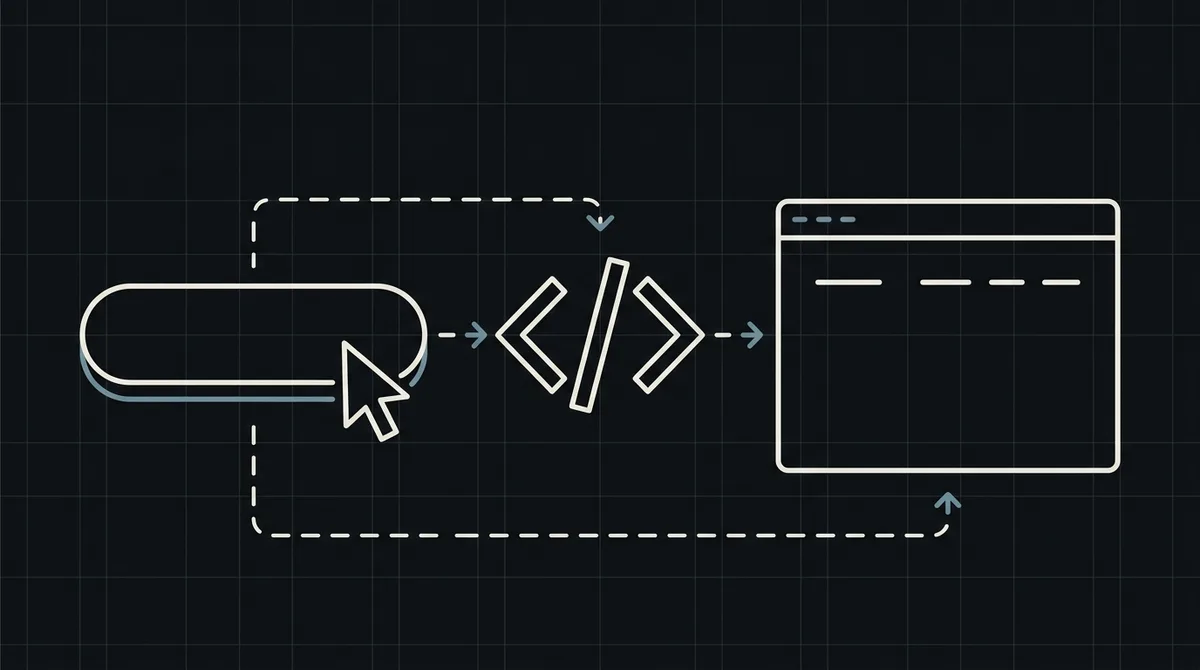
The page calls a function, a window opens over the content, the customer completes the payment in it and the window closes. The shop stays in the background, and the order is confirmed on the server.
Status: the popup is on the roadmap
The Qvard checkout popup is not released yet, and this article does not describe it as a finished feature. The code in the media is a roadmap preview of the planned call.
What works today
Create the payment with POST /api/v1/payment and the x-api-key header, then redirect the customer to the redirectUrl on the hosted checkout page. Receive the final status by webhook. This gives the customer the same payment result without a popup.
x-api-key: sk_live_…

{
  "id": "order_1024",
  "price": 149.99,
  "paymentSystemId": 12
}

// 201 Created
{
  "data": {
    "id": "8f3k2a1c",
    "redirectUrl": "https://my.qvard.com/pay/8f3k2a1c"
  },
  "code": 201,
  "message": "success",
  "status": true
}
Opening a new window carefully
If you prefer a separate window, open the redirectUrl in a new tab only after a click. Browsers block popups that open without a user action, so the click must come first.
Confirm the payment on the server
The popup, when it arrives, will report progress in the page, but the paid status should still come from the webhook. Build the order logic around the webhook now.
// ROADMAP preview: the SDK is not released yet.
QvardCheckout.open({ amount: 149.99, currency: "USD", orderId: "order_1024" });
What to avoid
Do not treat a closed window as a failed payment, and do not mark the order as paid when the window closes. Wait for the webhook result.
FAQ
Is there a Qvard checkout popup today?
Not yet. The popup is planned as part of the SDK on the roadmap. Today the hosted checkout page or a new tab does the job.
Can a popup open without a click?
Browsers usually block it. Open the payment page after a user click.
What if the customer closes the window?
Do not decide the outcome from the close event. Check the webhook status for the order.
How do I test the flow?
Create a demo invoice and verify the webhook result.