Accept crypto in store: how a physical shop can take crypto today
How to accept crypto in a physical store: the point-of-sale flow, what the Qvard terminal plans, and the working path with the API today. Step by step.
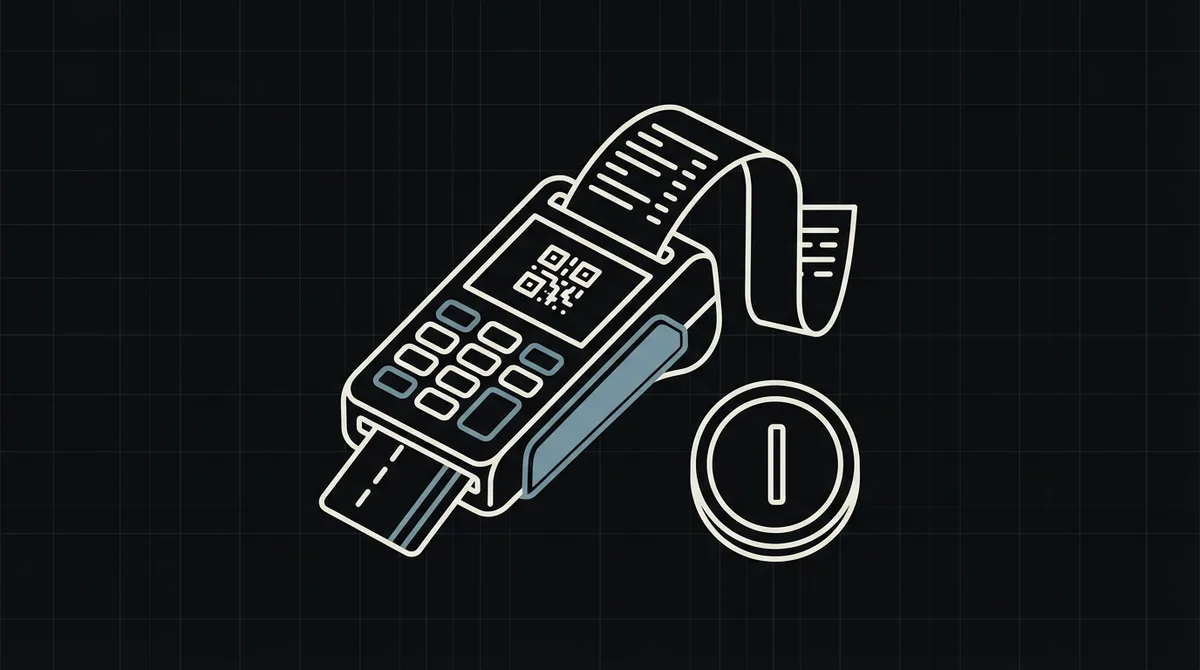
Accepting crypto in a store means a customer pays at the counter with a wallet instead of a card. Qvard plans a POS terminal for this, and it is not released yet. This guide explains the sale flow and the working path for a shop today: the register creates the payment and the customer pays on the hosted page.
The in-store sale flow
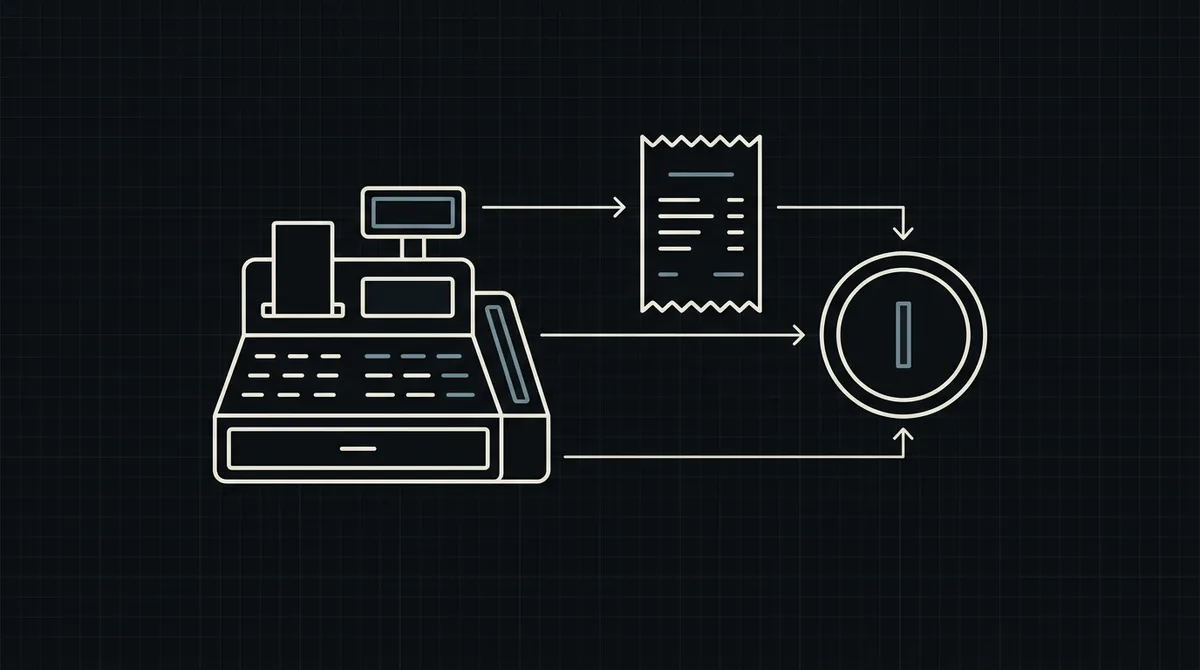
The cashier enters the total, the register shows a payment code, the customer scans it with a wallet and the sale is confirmed. The steps are simple, but the register must know when the payment is final.
Status: the POS terminal is on the roadmap
A dedicated Qvard terminal for shops is not released yet, and this article does not present it as available. The sale flow below works today with the API, the hosted page and the webhook.
x-api-key: sk_live_…

{
  "id": "order_1024",
  "price": 149.99,
  "paymentSystemId": 12
}

// 201 Created
{
  "data": {
    "id": "8f3k2a1c",
    "redirectUrl": "https://my.qvard.com/pay/8f3k2a1c"
  },
  "code": 201,
  "message": "success",
  "status": true
}
What works today
The register creates the payment with POST /api/v1/payment and the x-api-key header, receives a redirectUrl and shows it as a QR code or link. The customer pays on the hosted page, and the webhook returns the final status to the register.
Show the total before the payment
Display the amount in USD at the counter before the customer scans. The hosted page then shows the exact crypto amount at a fixed rate for the selected asset and network.
Handle the status at the counter
Keep the sale pending on the register until the webhook delivers paid. A printed receipt should follow the paid status, not the customer’s word.
x-api-key: sk_live_…

{ "id": "order_1024", "status": "paid" }
Plan for the terminal
When the dedicated terminal is released, the counter device changes. The register software, the order records and the webhook handling stay in place.
FAQ
Can a shop accept crypto at the counter today?
Yes, with a register that creates payments through the API and shows the redirectUrl as a QR code or link. A dedicated terminal is on the roadmap.
Does the customer need an app?
The customer needs a wallet that supports the chosen asset and network. The hosted page guides the payment.
When is a sale final?
When the webhook delivers the id and the status paid, not when the customer shows the payment screen.
How can I test in a store?
Create a demo invoice from a test register and confirm that the webhook marks the sale before going live.