QR code crypto payments: how a scanned code leads to a payment
QR code crypto payments explained: how a scanned code leads to a crypto payment page, what Qvard plans for QR at the terminal and what works today.
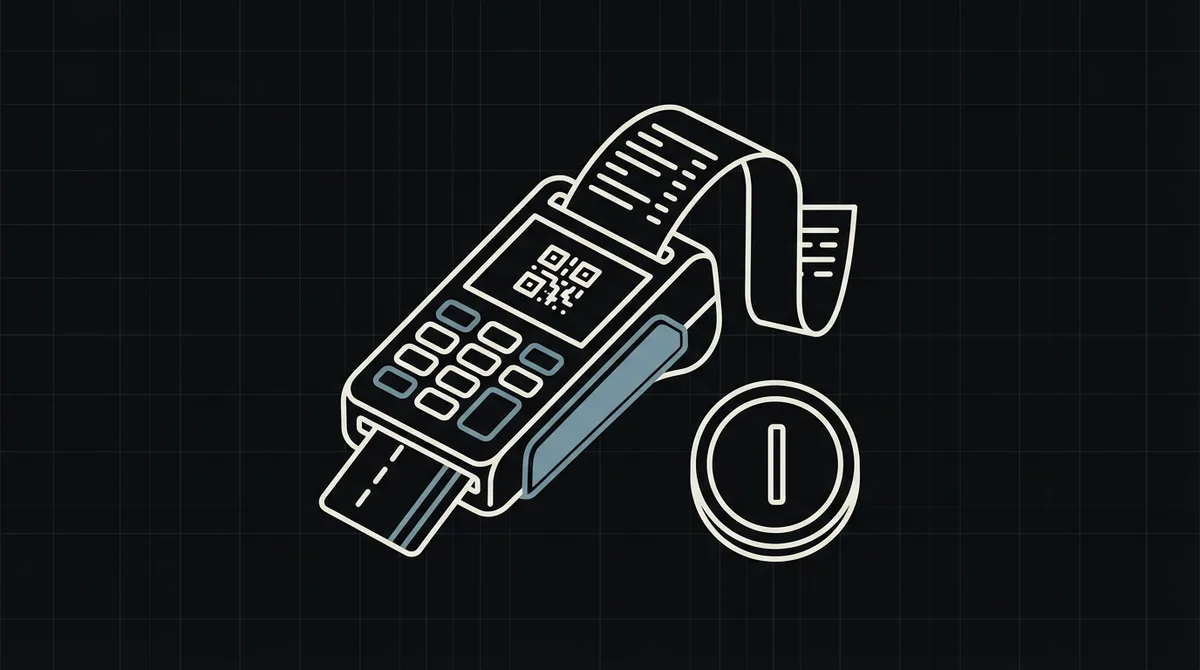
QR code crypto payments let a customer scan a code with a wallet and pay in crypto. Qvard plans QR payment at its POS terminal, and it is not released yet. This guide explains how the scan leads to the payment and what works today: a QR code that points to the hosted payment page.
What the QR code contains
A QR code is a picture of a link. When the customer scans it, the wallet or the phone opens the link, and the link leads to the payment page for that exact sale.
Status: QR at the terminal is on the roadmap
A Qvard POS terminal that shows its own QR code is not released yet. This article does not present it as available. The QR flow below works today, because the QR code encodes the redirectUrl returned by the API.
x-api-key: sk_live_…

{
  "id": "order_1024",
  "price": 149.99,
  "paymentSystemId": 12
}

// 201 Created
{
  "data": {
    "id": "8f3k2a1c",
    "redirectUrl": "https://my.qvard.com/pay/8f3k2a1c"
  },
  "code": 201,
  "message": "success",
  "status": true
}
What works today
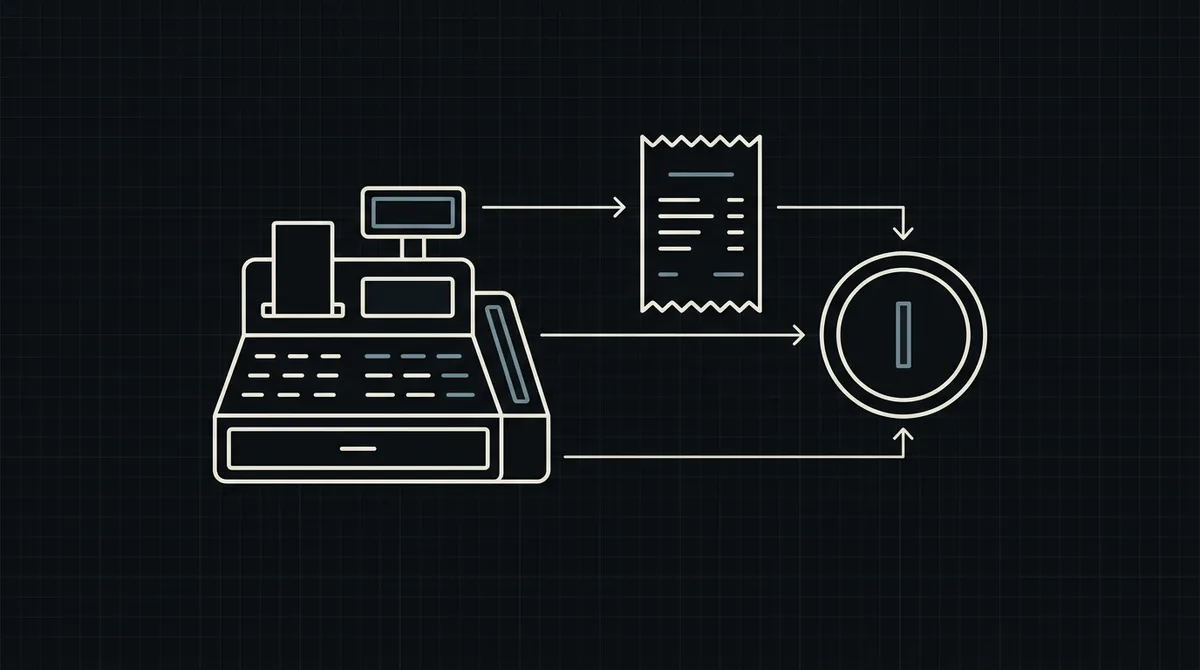
The register creates the payment with POST /api/v1/payment and the x-api-key header, receives the redirectUrl and encodes it as a QR code. The customer scans it, opens the hosted page, pays and the webhook delivers the final status.
Encode the redirectUrl, nothing else
Put only the redirectUrl into the code. Do not put the API key, the total or any secret into the QR code, because anyone who sees the code can read it.
Show the amount next to the code
Display the total in USD beside the QR code. The hosted page then shows the exact amount in the chosen crypto at a fixed rate, so the customer can compare the two.
Confirm by webhook
A scanned code does not prove a payment. Mark the sale as paid only when the webhook delivers the id and the status paid.
FAQ
Does Qvard show a QR code at the terminal today?
Not from a dedicated terminal, which is on the roadmap. Today your own register can generate a QR code from the redirectUrl.
Can I put the API key in the QR code?
Never. The QR code should carry only the redirectUrl, which is safe to share.
Is a scanned QR code enough to confirm a payment?
No. Confirm the payment only through the webhook with the status paid.
How do I test the QR code?
Create a demo invoice, encode its redirectUrl and scan it with a test wallet.