How to accept stablecoin payments from clients
How agencies, freelancers and service businesses can take stablecoin payments from clients: one payment per invoice, what to tell the client, handling short payments and recording the result.
If you invoice clients abroad, a stablecoin payment avoids bank delays and card limits: the client pays a dollar amount in USDT or USDC and you receive it in minutes. The process is closer to invoicing than to a shop checkout, so this guide follows an invoice from creation to the books.
One payment per invoice
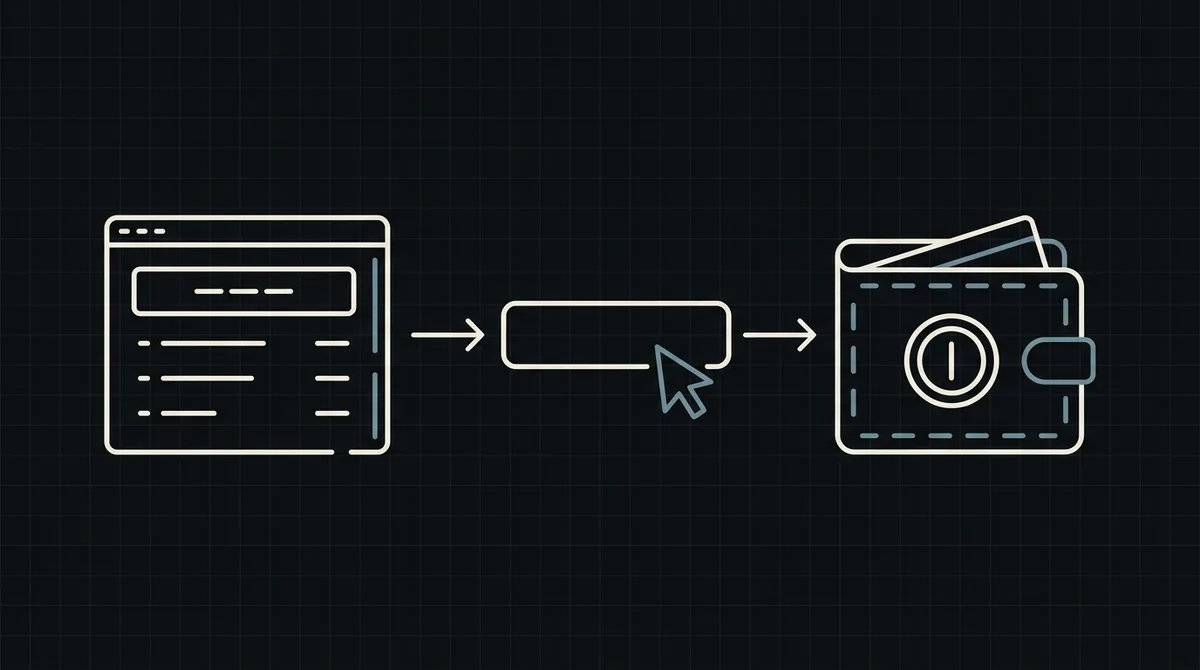
Treat each invoice as one payment. When you issue the invoice, your system creates a payment with a POST to https://api.qvard.com/api/v1/payment, using the invoice number as id and the invoice total in US dollars as price. Qvard returns a redirectUrl, a hosted payment page. Put that link on the invoice or in the email.
Payment links created without code are still in development, so today the link is produced by a small piece of your own server code. If the request is repeated with the same invoice number, the existing payment is returned, which makes it safe to regenerate a lost link.
What to tell the client
Clients who have never paid in crypto need three sentences, not a tutorial:
- pay the full amount shown on the payment page, in USDT or USDC;
- choose the network shown there, because a transfer on another network may be lost;
- pay within an hour, since the rate on the page is fixed for that time.
Add that the sender's exchange or wallet may charge a withdrawal fee, so the client should make sure the full invoice amount arrives. This one line prevents most short payments. See how to handle USDT underpayments.
Confirming and recording
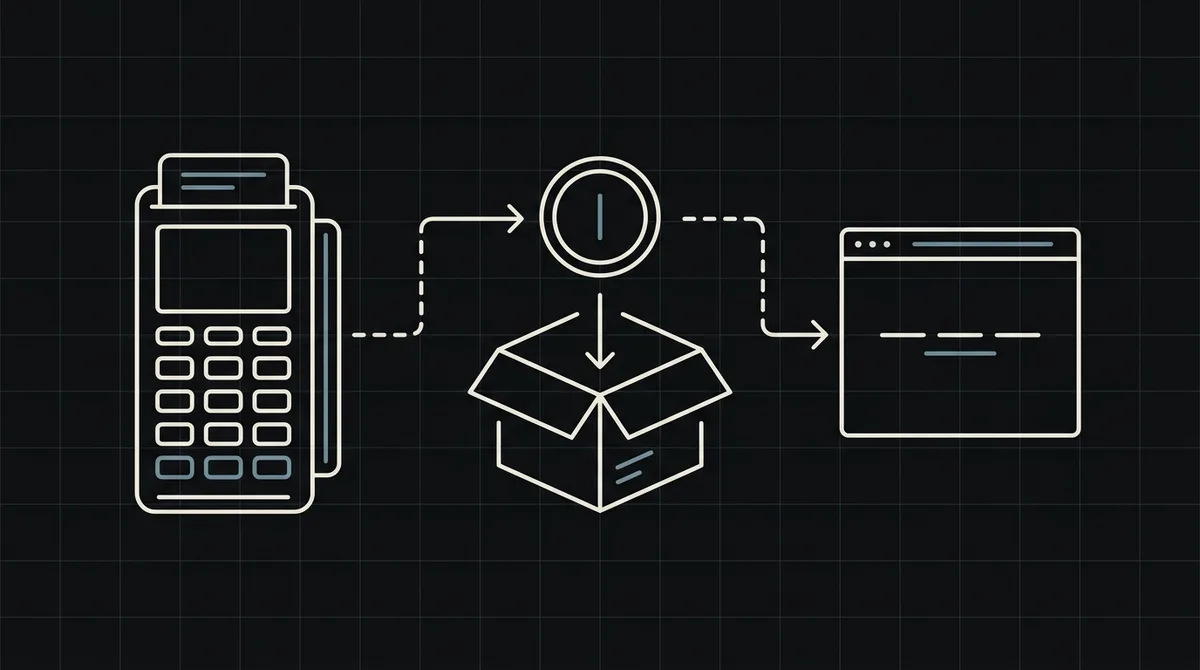
When the payment is completed, Qvard sends a webhook to your callback URL with the invoice number and the status. Mark the invoice paid, send a receipt and record the dollar amount. Your endpoint must answer exactly HTTP 200 and be safe to run twice; failed deliveries are retried five times over about six minutes, and you can resend from the cabinet. See how to secure crypto payment webhooks.
A payment with the partial status sends no completion webhook. Keep the invoice open and ask the client for the difference. The public API cannot list payments, so keep your own log and compare it with the cabinet each month, as described in payment reconciliation for crypto merchants.
Getting paid, and what it costs
Funds appear on your Qvard balance and you withdraw them to your own wallet for the network fee only. Withdrawal to a bank account in fiat is not available, so convert on your side if you need local currency.
There is no subscription fee. The commission is individual to your project and, per the pricing page, starts at 1% and can go down to 0.1%. For larger recurring clients, also read stablecoin payments for B2B invoices.
FAQ
Can I send a payment link by email?
Yes. Create a payment for the invoice and send the returned payment-page link. No-code payment links are still in development, so the link comes from your own code.
What if the client pays after the hour has passed?
The rate on the page is fixed for one hour. Ask clients to pay within that time, and check the payment in the cabinet if one arrives late.
Which stablecoins can clients use?
USDT and USDC, on networks such as TRC20, ERC20 and BEP20. The client chooses on the payment page.