Hosted checkout vs custom checkout
Hosted or custom checkout for crypto payments: what each means, why Qvard works through a hosted page today, what you can still design yourself around it and when a custom checkout is worth waiting for.
Every payment service faces the same design choice: do customers pay on a page the provider hosts, or inside a checkout you build yourself? For crypto the second option is much heavier than it is for cards. This guide explains the difference, why Qvard offers a hosted page today, what you can still shape around it and what would have to exist before a fully custom checkout makes sense.
Two ways to take a payment
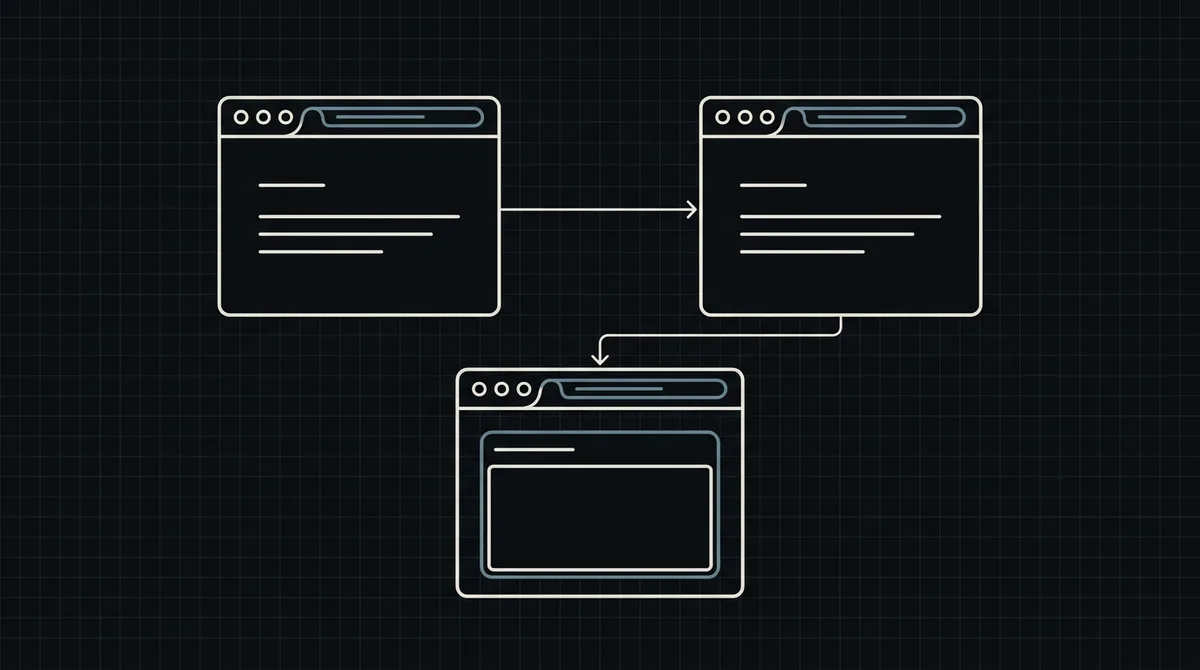
- Hosted checkout. You create a payment and send the customer to a page that the provider runs. The provider shows the address, the exact amount and the status; you get the result by notification.
- Custom checkout. The payment form lives inside your own site or app. You display the payment details, follow the status and handle every state the customer can reach.
Hosted is faster to launch and carries less risk. Custom gives full control of the look and the flow, at the cost of building and maintaining everything the hosted page does for you.
What a crypto checkout has to do
A card checkout mostly collects a few fields and calls an API. A crypto checkout has more jobs:
- show a payment address for the chosen asset and network, with the network next to it;
- show an exact amount, fixed long enough for the customer to send it;
- let the customer choose an asset and a network, and explain the difference;
- follow the payment on the blockchain, including short payments and late ones;
- handle mistakes such as the wrong network, with a clear message.
Each of these is a place where a mistake costs the customer money. That is the strongest argument for a hosted page.
Why Qvard works through a hosted page today
Qvard's payment flow is built around the hosted page. You create a payment with one POST to https://api.qvard.com/api/v1/payment, and the answer contains a redirectUrl, the address of that page. The customer chooses the asset and network there, sees the address and the exact amount, and pays; the rate is fixed for one hour. See how redirectUrl works in crypto checkout.
The public API is small: it creates a payment, checks whether a payment method is ready and sends a payout. It does not hand you a deposit address to display yourself, and it has no route to read a payment's status back, so you could not follow a payment from your own page. The embedded checkout is ready, and SDKs for Node.js, PHP, Python, Go and Java are ready; a fully custom crypto checkout, with your own address display and status polling, is still not something this API supports.
What you can still design yourself
The hosted page does the hard part. The experience around it is yours:
- The step before. The "Pay with crypto" choice, the explanation of what will happen, the fees and the refund rule, in your own words and design.
- The step after. An order page that shows the real status (waiting, short, paid), refreshes while waiting and tells the customer what to do next. Return URLs are not available yet, so this page is how the customer returns.
- Messages. The email you send when the order is placed, paid or short.
- Business logic. Which statuses release goods, what you do with a short payment, how you refund.
Done well, the customer sees one consistent shop with a payment page in the middle, and that is what most merchants need.
How to choose
- Choose hosted if you want to launch soon, if your team is small, if you do not want to be responsible for blockchain edge cases, or if you simply need it to work. This is what Qvard supports today.
- Use the embedded checkout if a seamless in-page experience is essential for your product. Its invoice logic matches the hosted page, so the order logic, the webhook and the order page carry over unchanged.
- Do not build your own address generation and scanning to get a custom look. It is the heaviest and riskiest way to buy a design.
Whatever you choose, the server side is the same: create a payment with your order number as the id, mark the order paid only from the webhook (exactly HTTP 200, safe to run twice) and reconcile. See how to accept crypto payments on a website and crypto payment API for developers. A demo invoice shows the hosted page.
FAQ
Can I embed the Qvard payment form into my own page?
Yes. The embedded checkout opens the Qvard payment window over your page, as a modal or an inline block. The hosted payment page stays available too.
Can I show the payment address on my own page?
The API does not return a deposit address for you to display, and it has no route to read the payment status, so the address and status live on the hosted page.
What can I customise?
The steps before and after the payment page: the choice at checkout, the explanations, the order status page and your emails, plus your own business logic.
Will switching to an embedded checkout later break my integration?
Plan for the server side to stay the same: create the payment with your order id, mark orders paid from the webhook and reconcile. Only the front-end part around the payment would change.